iCNC PERFORMANCE
Manual 0-5399 iHC 4-3
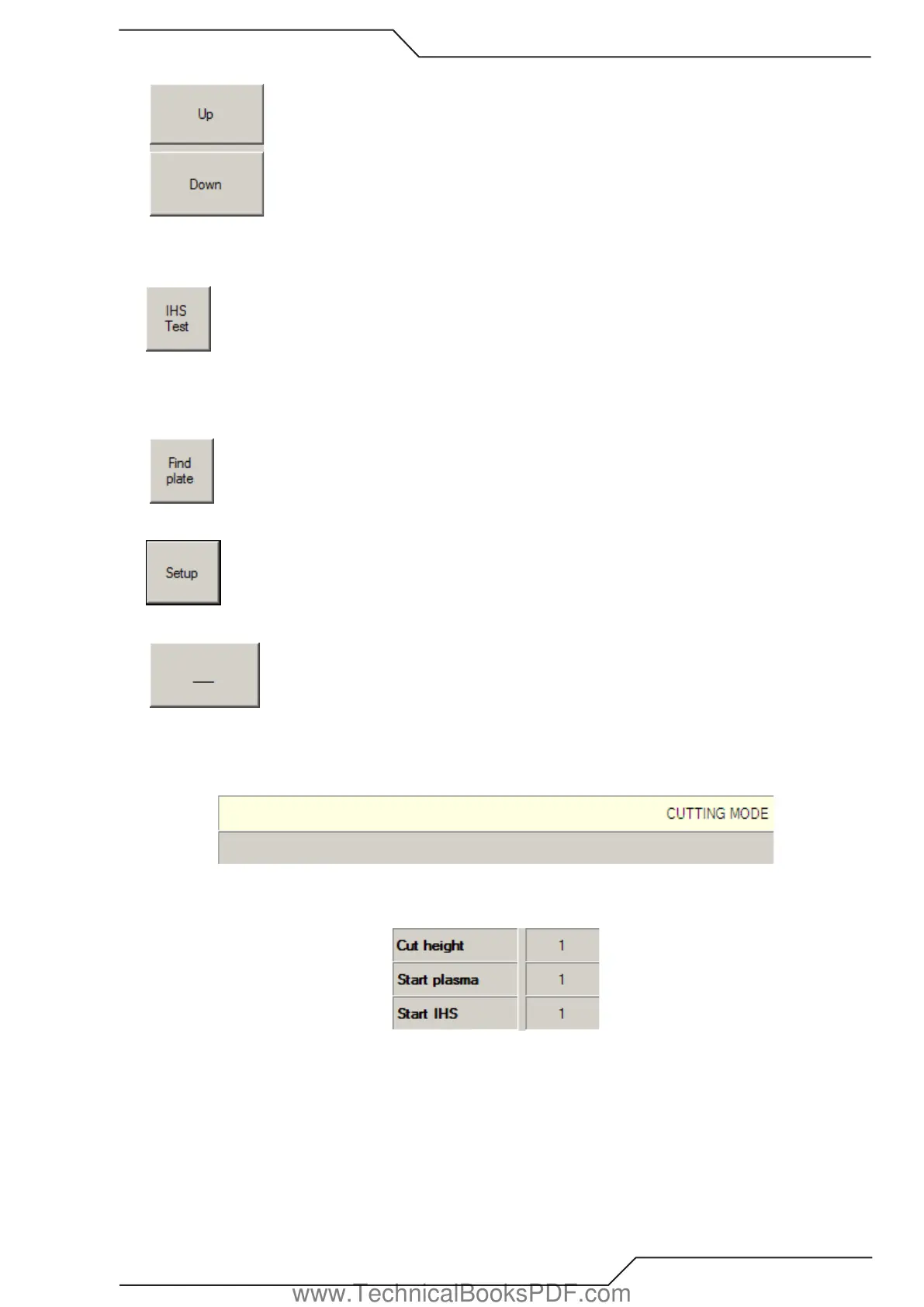
• The “UP” and “DOWN” buttons can be used to move the torch in manual mode.
• IHS Test button causes the torch to drive down to find a plate. This feature can be used to test that the iHC plate sensing works
properly. The text on IHS Test button changes to “Cancel” after being pressed. Clicking “Cancel” returns the torch immediately to
the home position. Torch will stay at ignition height after plate has been sensed.
• Find Plate feature is used when thicker material is placed on the table, this feature is used before the cutting process to make sure
the torch will not collide to the plate on first piercing point. “Find Plate” uses the Find Plate Speed to conduct the Plate Contact Test.
After finding the plate, the torch returns to Home Position. When “Find Plate” is clicked, the text on the button changes to “Cancel”.
Clicking “Cancel” returns the torch immediately to the home position
• Clicking on “SETUP” opens the Setup window.
• The iHC window can be minimized with the button on the far right that looks like a dash.
• There are two text fields at the top right corner of the iHC window. In a normal situation it should read “Cutting Mode” in the upper
field. If the height control isn’t running or there is a connection problem it reads “WAITING FOR REPLY...” on the lower text field.
Lower text field will also show status messages like lower software limit.
• You can monitor the status of the station by viewing colors changing on the screen. The number field on the right from the cut
height text shows when the AVC is active, when IHS start is ON and when the torch is in cutting height.
www.TechnicalBooksPDF.com



 To Next Page