iCNC PERFORMANCE
Manual 0-5399 NESTING 5-11
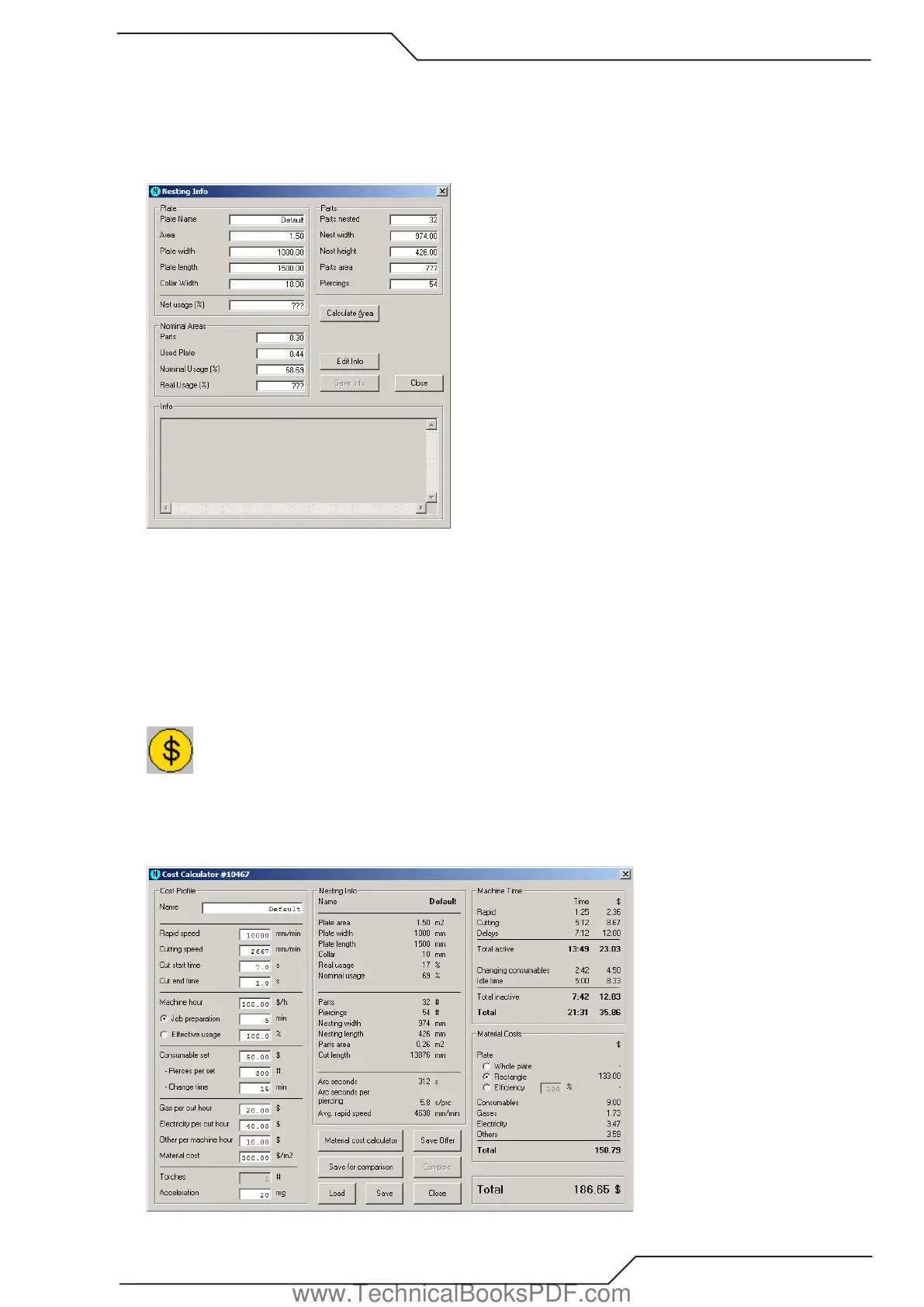
Nominal Areas
• Parts - the total of all parts’ nominal sizes.
• Used Plate - nominal size of used plate. This is exactly (nest width + 2 x collar width) x (nest height + 2 x collar width).
• Nominal Usage (%) - the relation between nominal size of all parts and used plate.
• Real Usage (%) - the relation between real area of all parts and used plate.
If you have checked the No area calculations option in Handling options there is no data in the fields Area, Parts area, Real usage or
Net usage. If you want to know areas, click Calculate area or go to Handling options and uncheck the No area calculations option.
Info
You can type additional info related to the current nesting or part to the Info field. This info is saved to CNC2 files and when you open
such files, you can see the written notes. To enable the Info field you must click Edit info. The notes you make won’t be stored until
you click Save info.
5.3.8 Cost Calculator
Use this tool to approximate the cost to cut a part or a nesting. The calculator gets the nesting data automatically, but you need to
provide the cost profile data, such as the cutting speed of the machine. If you want to use your cost profile at a later time, you can
save it on your hard drive. You can also compare prices of different nestings. It’s amazing how much you can save simply by using
the bridge tool only!
www.TechnicalBooksPDF.com



 To Next Page