iCNC PERFORMANCE
5-26 NESTING Manual 0-5399
5.5.10 Change Cutting Direction
Change the cutting direction by moving the mouse cursor over the element and clicking the left button.
5.5.11 Split Element
An element can be split in two by moving the mouse cursor to the desired split point and clicking the left mouse button.
5.5.12 Join Profiles
Use this tool to close an open profile or join two or more open profiles.
Follow these steps:
• Hold down the left mouse button.
• Drag a rectangle around start/end points of open profile(s).
• Release the mouse button.
5.5.13 Leadins
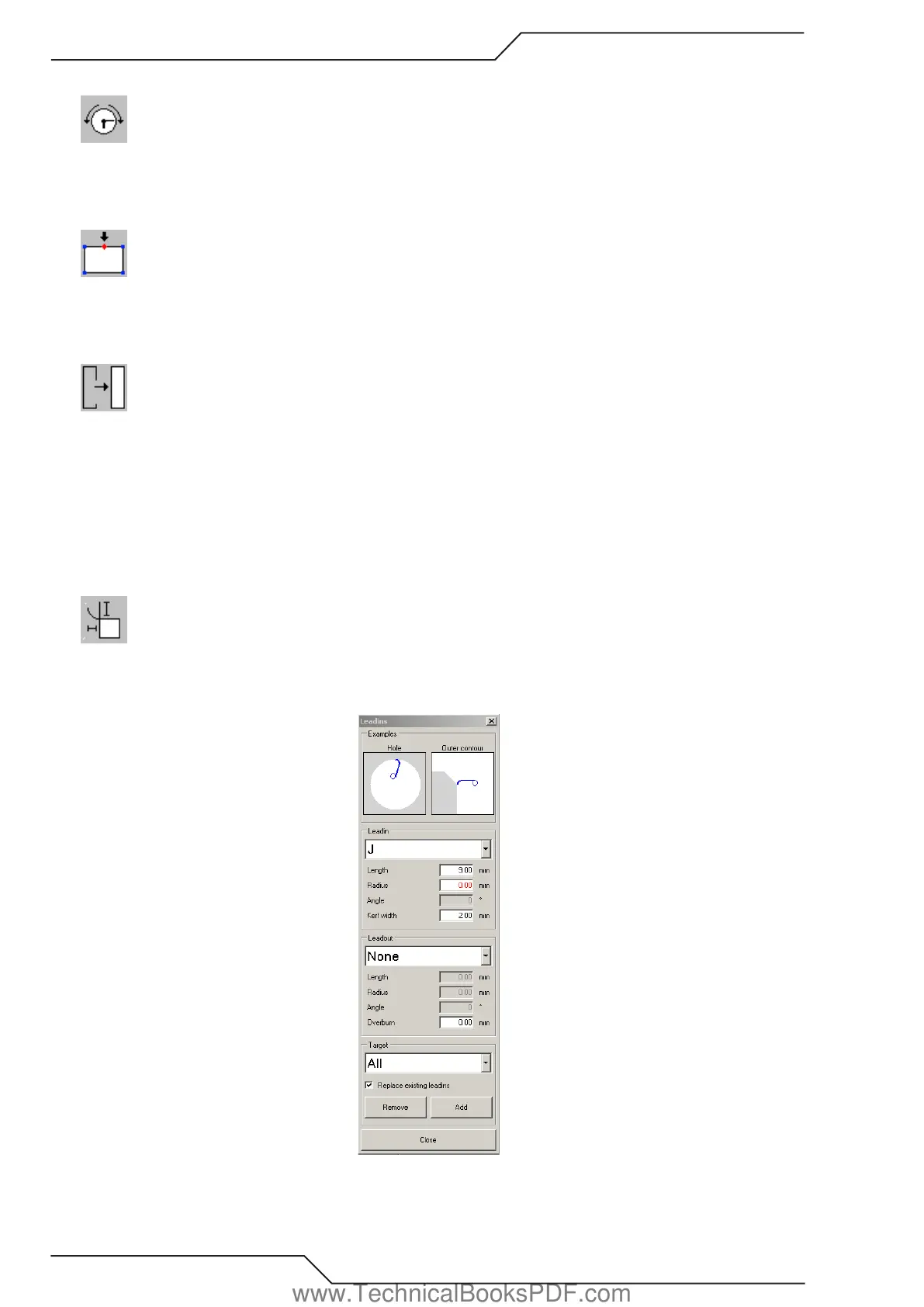
By using this tool you can add, remove and modify leadins and leadouts. When the Leadins tool is active, the dialog window below is
visible. Use that window to change the parameters of the leadins and leadouts. If a value is shown red the lead in cannot be created
(picture showing too small radius).
www.TechnicalBooksPDF.com



 To Next Page