25
Operating Instruction TNI soft Flow 50 homecare system
o Thesuppliedoxygenvolumeinl/min
o Theoxygencontent,FiO
2
-valuein%
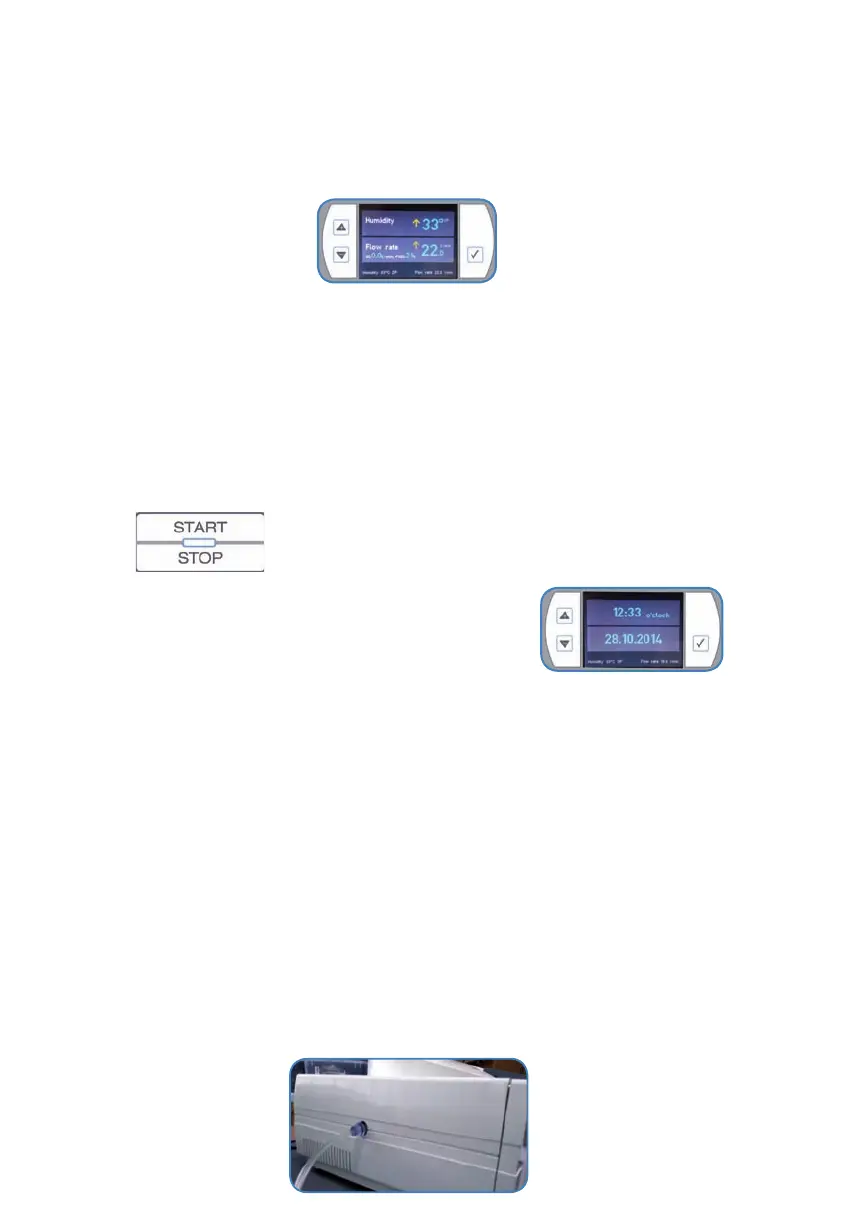
• Whennoneofthefunctionkeyshasbeenpressedforaperiodof>10minutes,thedisplay
reducesbrightness.
3.7) Ending therapy
WARNING
• Do not open the device immediately after switching it o since the inner parts of the device
are hot.
• Please wait a couple of minutes until the device has cooled down.
Ending therapy
• Endtheoxygensupply.
• Thesystemturnso.
• Removetheapplicator.
• TheTNI soft
Flow 50showsnowthestandbydisplay.
• Aftereachusecleantheapplicator. .
• Properlydisposethedisposablesoftheclinicchamber
• Pleasenotecapture5“Hygienic measures”andcapture11-“Disposal”.
• Ifyoudonotusethedeviceremovethe“humidierhomecarecomplete”forhygienicrea-
sons.So,theresidualmoistureinthedeviceisabletodry.Emptythe“humidierhomecare
complete”.
• IftheTNI soft
Flow 50isnotbeingusedoveralongperiodoftime,switchothe
TNI soft Flow 50(mainswitchrightonthedevice),disconnectthepowercordfromthe
socket,removetheapplicatorandmakesurethatthereisnowaterinthe“humidication
chamberhumidierhomecare”norinthewatercontainer.
3.8) Starting oxygen supply
SAFETY NOTE
• The connection to the oxygen source needs to be set up correctly as described in chapter
3.1.7.
• The oxygen supply may only be released with the TNI soft
Flow 50 running.
• Please note chapter 3.1.7.



 To Next Page