30
Operating Instruction TNI soft Flow 50 homecare system
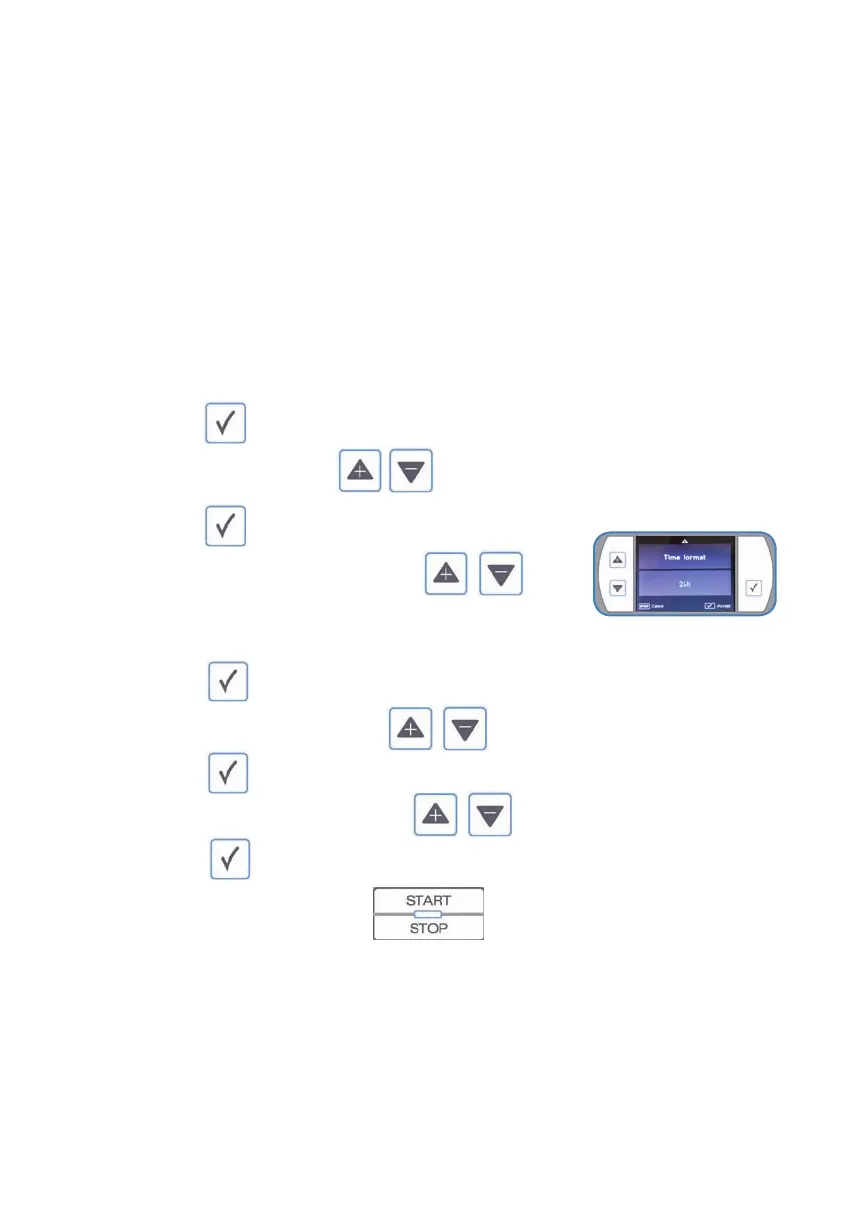
4.2.2)Settingthetime
NOTE
Display format
• It is possible to select from 2 dierent clock displays:
o 24 hour mode or
o 12 hour am / pm mode.
SAFETY NOTE
• The time set on the device is considered when entering something in the storage.
• The clock is not automatically adjusted for daylight saving changes.
• An automatic radio adjustment is not possible.
• Please make sure that the local time of the system is set correctly.
• In case of any questions, please contact your local TNI medical AG representative.
o
o markthetimevia
o
o choosetherequiredstatusvia
o 24h
o 12am/pm
o
o settherequiredhourvia
o
o settherequiredminutesvia
o
o Endtheadjustmentvia



 To Next Page