13
COMPONENTS
Auto Shoot button.....................................Switches Auto Shoot mode on and Auto Shoot mode off.
When Auto Shoot is selected, "Auto Shoot" is displayed on
the control panel, and this button is framed in orange.
Settings button ......................................Displays the Settings screen.
FUNCTION BUTTON
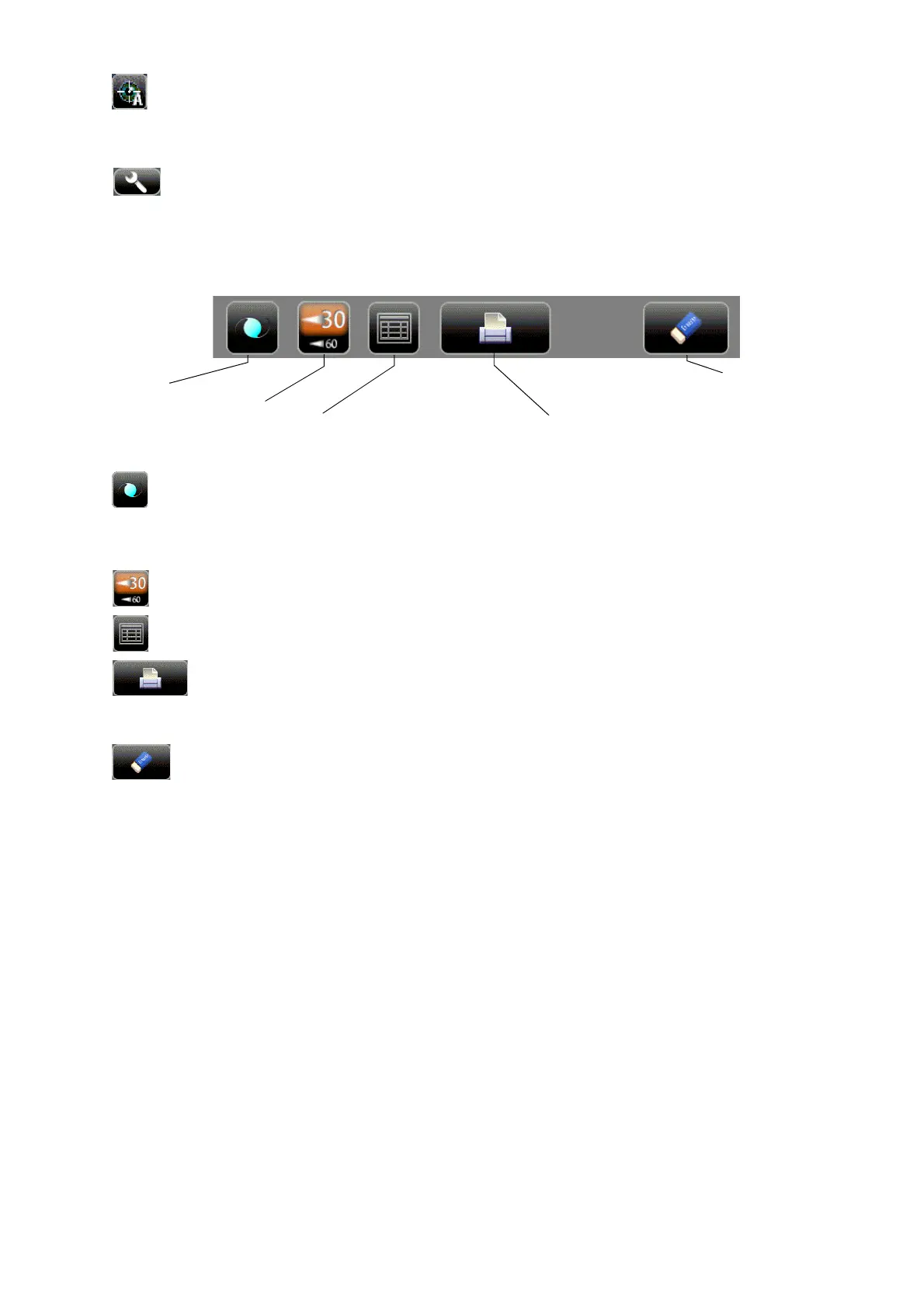
IOL button ..............................................If aligning is impossible in measuring an IOL-inserted eye,
tapping this button may allow the measurement. When the
button is selected, "IOL" is displayed on the control panel and
the selected button is framed in orange.
30/60 button ............................................Switches between 1-30 range and 1-60 range.
All data button .........................................Displays all measurement data on the screen.
Print out button...............................Displays on measurement stand-by and prints measurement
results. Tap the button when no measurement data is present
to feed the paper.
ALL CLEAR button .............................Clears all measurement data.
IOL button
ALL CLEAR button
All data button
Print out button
30/60 button



 To Next Page