48
SETTING FUNCTIONS ON SETUP SCREEN
SETTING FUNCTIONS ON SETUP SCREEN
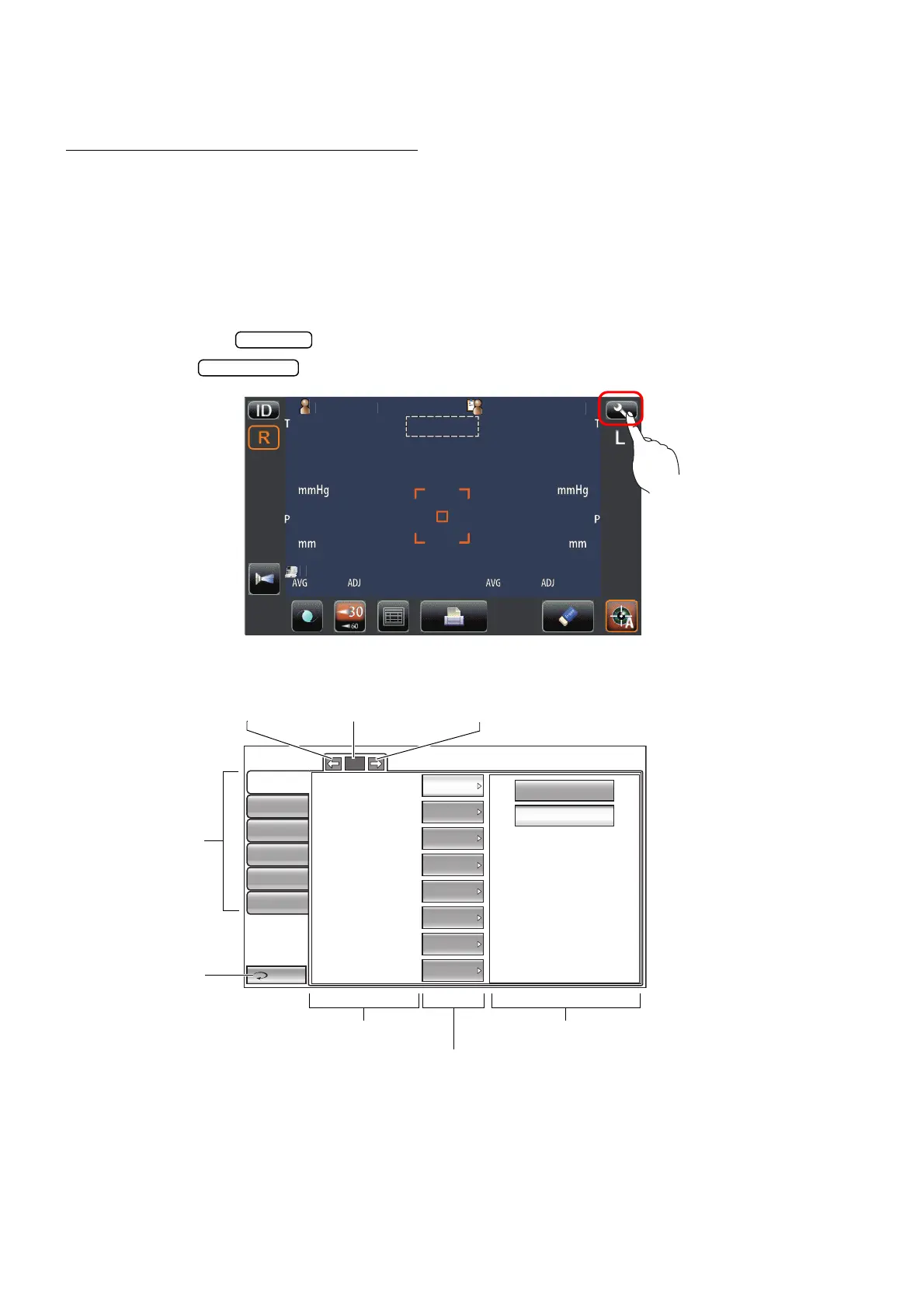
OPERATING THE SETUP SCREEN
Various functions can be set on the SETUP screen.
PREPARATONS FOR SETTING
1 Make sure that the power cable is connected.
For connection, refer to "CONNECTING POWER CABLE" on page 20.
2 Turn ON the switch.
3 Tap the button on the control panel.
The SETUP screen is displayed.
tientI
PatientID
1
1
OPCON
ARO
TOPCONTAROU
Auto Shoot
OFF
ON
Return
Initial
Print
Comm
LAN
Special
Operator ID
1/3
Buzzer sound
Auto Shoot
Printer output
Show Pacho value
Show Tono average
Show Adj value
Patient No. reset
Display of patient ID
ON
ON
ON
ON
OFF
ON
ON
ON
Back Page button Page display Next page button
Index
Return button
Descriptions Options
Current condition button



 To Next Page