ISOCAN / ISOBUS ARTEMIS - SEED DRILL CONTROLLER
17
3.6 Seed Shaft Confirmation Sensor
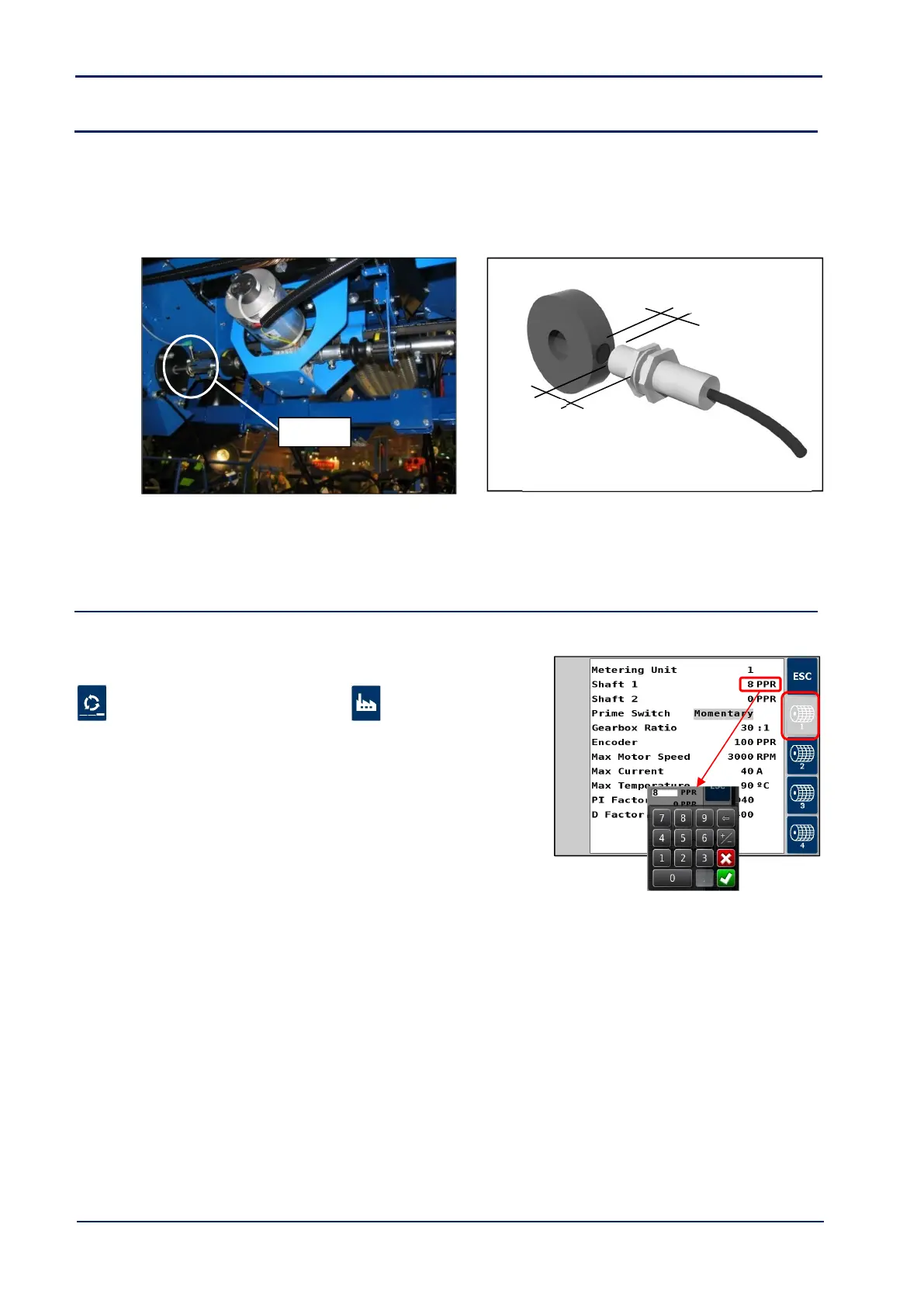
For each motor channel, the Seed Shaft Sensor provides confirmation that the motor is driving the metering unit.
Fit the magnet carrier [52] on the metering unit input shaft. Mount the sensor [49] adjacent to the magnet by suitable
means. Note the magnet-sensor position as shown in fig. 17. Route the cable back to connector ‘F’ of the Expansion
Harness S/TC/1015540-01 for that motor.
Figure 16 : Seed Shaft Sensor Figure 17: Magnet-Sensor position
6
In the case of a single motor driving two metering units, a 2
nd
Seed Shaft Confirmation Sensor may be plugged into
connector ‘G’ of the Expansion Harness S/TC/1015540-01 for that motor.
3.7 Metering unit setup
The only setting that may require changing from the factory default value is the PPR value for the seed confirmation shaft
sensor.
Setup in the Artemis app as follows.
1. Cycle to the ‘Setup’ screen, touch the tab and
select “Metering unit Setup”
2. Select the MCM channel.
3. Select “Shaft 1” and set the ppr equal to the number of
magnets on the magnet ring fitted. If no sensor is fitted,
then set to zero.
4. Press ESC to return to the “Setup” screen.
5. Repeat steps 2 and 3 for additional motor channels.
NOTE: The other metering unit settings do not normally need to be changed.



 To Next Page