Phoenix Pro User Manual
30
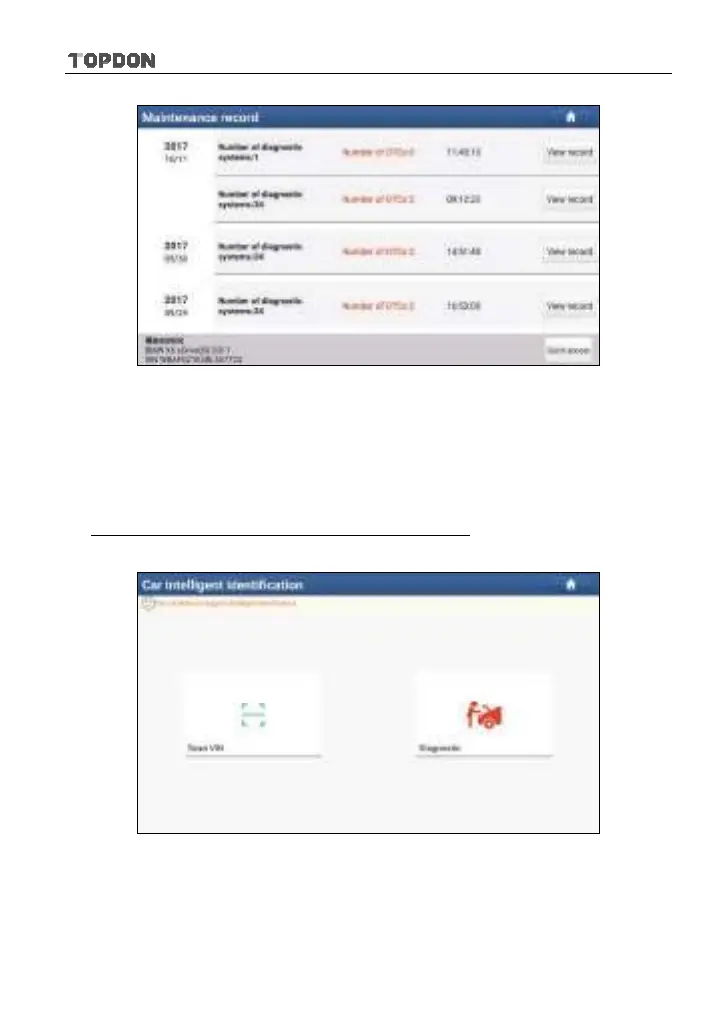
Fig. 5-6
• Tap “View record” to view the details of the current diagnostic report.
• To perform other functions, tap “Quick access” to directly go to the function
selection screen. Choose the desired one to start a new diagnostic
session.
B. If the handset failed to access the VIN information, the screen will display as
below:
Fig. 5-7
• Tap “Diagnostic” to run the Local Diagnosis module and start a new
diagnostic session. Refer to Chapter 5.2 for detailed diagnostic operations.
• Tap “Scan VIN”, a screen similar to the following appears:












 To Next Page