Phoenix Pro User Manual
29
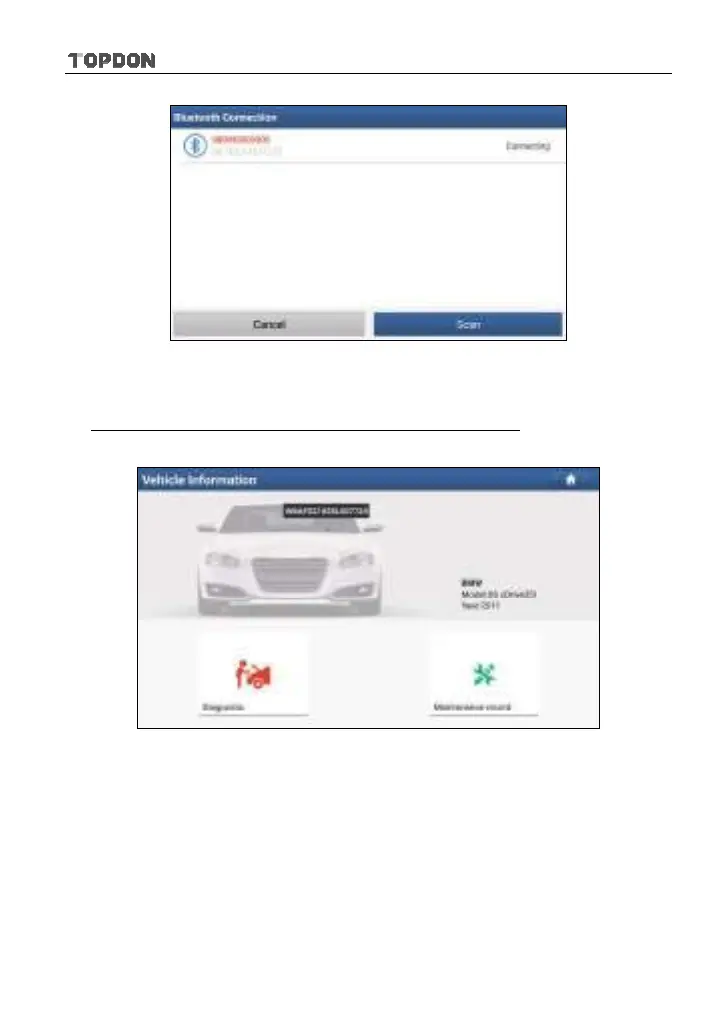
Fig. 5-4
2. Once pairing is complete, the handset starts reading the vehicle VIN.
A. If the VIN can be found from the remote server database, a screen similar to
Fig. 5-5 displays:
Fig. 5-5
• Tap “Diagnostic” to start a new diagnostic session.
• Tap “Maintenance record” to view its historical repair record. If there are
records available, it will be listed on the screen in sequence of date. If no
records exist, the screen will show “No Record”.












 To Next Page