Phoenix Pro User Manual
37
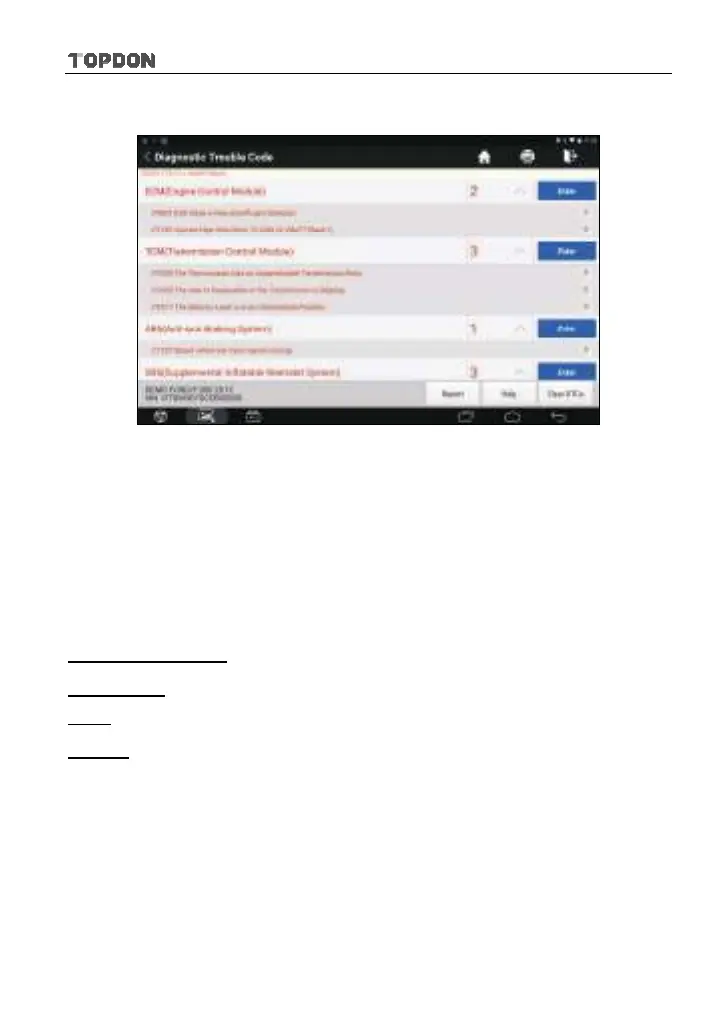
Once the scanning is complete, a screen similar to the following appears:
Fig. 5-19
In Fig. 5-19, the tested system with fault code appears in red and the system
with OK displays in black (normally).
*Note: Diagnostic Trouble Codes or Fault Codes can be used to identify which engine
systems or components that are malfunctioning. Never replace a part based only on the
DTC definition. Retrieving and using DTCs for troubleshooting vehicle operation is
only one part of an overall diagnostic strategy. Follow testing procedures (in vehicle’s
service manual), instructions and flowcharts to confirm the locations of the problem.
On-screen Buttons:
Clear DTCs:
Tap to clear the existing diagnostic trouble codes.
Help:
Tap to view the DTC help information.
Report:
To save the current data in text format.












 To Next Page