Phoenix Pro User Manual
38
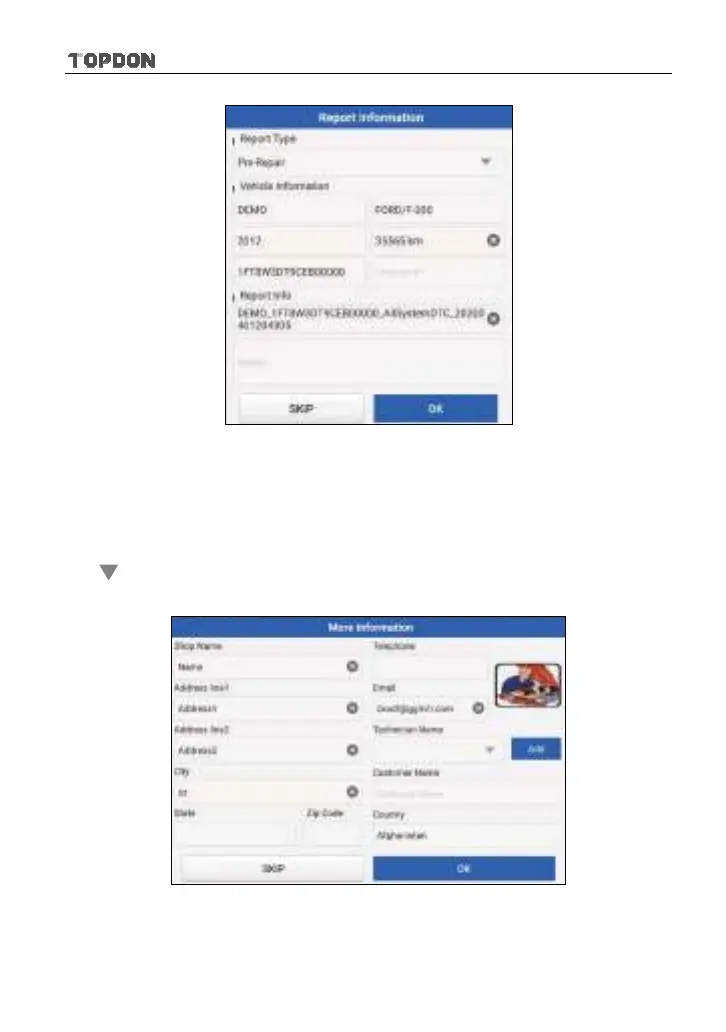
Fig. 5-20
*Note: Diagnostic report is classified into three categories: Pre-Repair report,
Post-Repair report and Diagnostic Scan. No matter which type you saved the report as,
the report type will be appended as a tag on the upper right corner of the diagnostic
report for easier identification.
Tap to select the report type from the option list and input the required
information, and then tap “OK”.
Fig. 5-21
Enter the technician and customer name and then tap “OK” to confirm and
navigate to the report details page.












 To Next Page