EasyManua.ls Logo

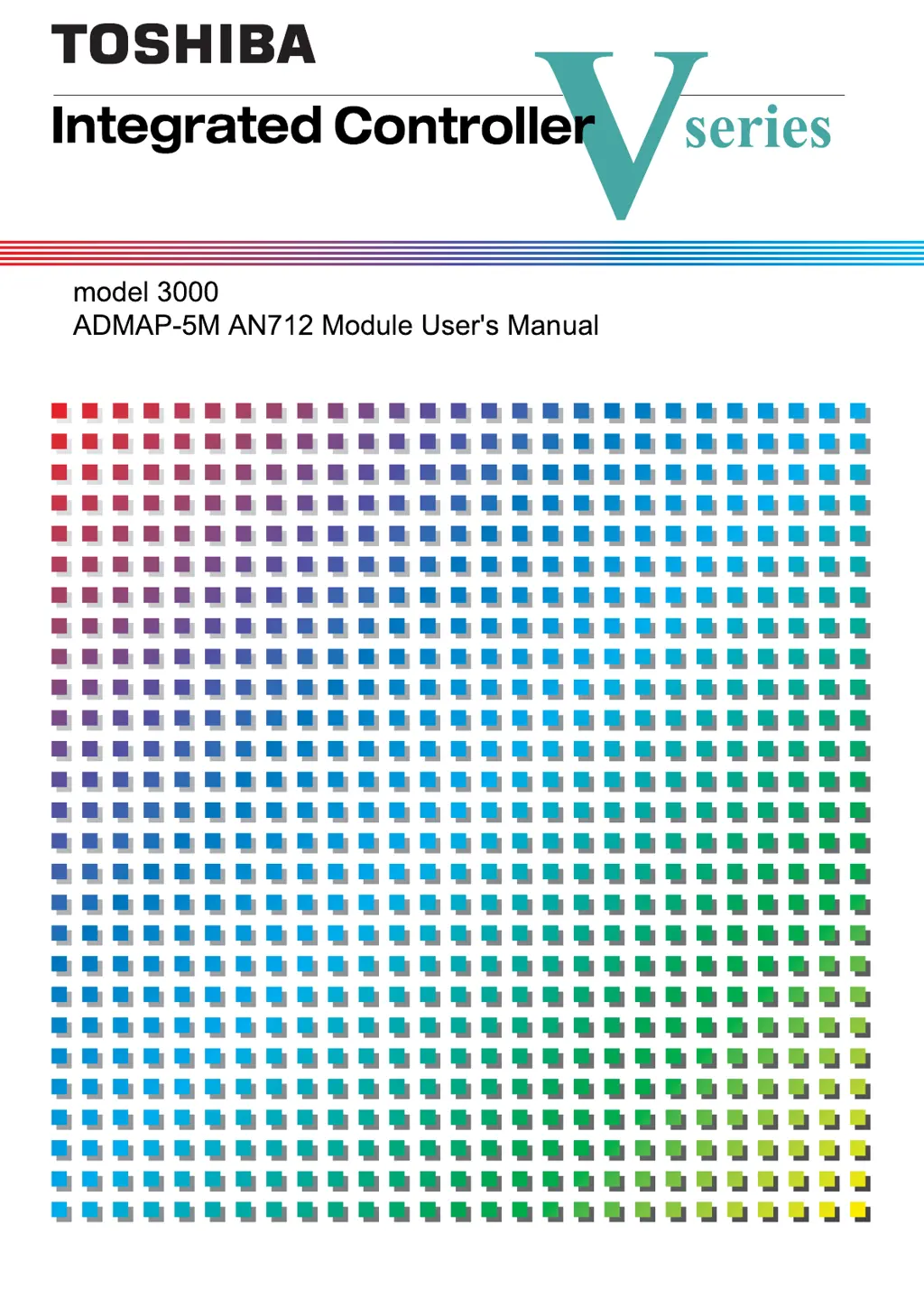
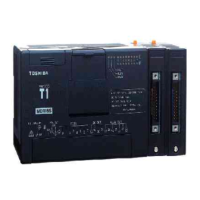
Toshiba 3000 - User Manual

Toshiba 3000
150 pages
Print Icon
To Next Page IconTo Next Page
Loading...
6F8C1048
 
    

Table of Contents

Questions and Answers

  • M
    Matthew BerrySep 10, 2025
    What to do if disconnected duplex tracking cable is detected in Toshiba 3000 Controller?
    • J
      James TaylorSep 10, 2025
      If a disconnected duplex tracking cable is detected (this problem can occur on the controller in duplex configuration), replace the duplex tracking cable and boot the standby L3 CPU module.
  • D
    David HarrisAug 22, 2025
    What to do if error rundown (ERROR) occurs on Toshiba 3000?
    • D
      david71Aug 23, 2025
      If an error rundown occurs, remove the cause of the error and reset the error status using the engineering tool. Then, change the operation mode to "RUN", or turn the power on again.
  • A
    Adam JonesAug 25, 2025
    What to do if memory is lost on Toshiba 3000 Controller?
    • C
      Christina FlemingAug 25, 2025
      If memory is lost, clear the memory, download the program from the engineering tool, and restart the controller.
  • A
    Alexander MorenoAug 27, 2025
    What to do if exception interruption is detected on Toshiba 3000?
    • P
      Pamela Moore MDAug 27, 2025
      If an exception interruption is detected, turn the power on again to restart the controller. If the error persists, replace the L3 CPU module.
  • L
    Laura CherryAug 27, 2025
    What to do if code memory DL error occurs on Toshiba Controller?
    • A
      Angela RaymondAug 28, 2025
      If a code memory DL error occurs, format the E2PROM to clear the memory, reload the user application, and restart the controller.
  • Z
    Zoe HayesAug 29, 2025
    What to do if user information DL error occurs on Toshiba 3000 Controller?
    • C
      Catherine RodgersAug 30, 2025
      If a user information DL error occurs, download the program from the engineering tool and restart the controller.
  • K
    Karen SmithSep 18, 2025
    Why does my Toshiba Controller show a switch setting error?
    • C
      Carly MitchellSep 18, 2025
      If you encounter a switch setting error on your Toshiba Controller, it might be due to incorrectly set station address switches. Make sure the switches are set within the range of 01 to 7Fh.
  • J
    Jamie Malone MDSep 12, 2025
    What to do if user task stop illegal instruction is detected on Toshiba 3000?
    • N
      Nathan HarrisSep 12, 2025
      If the POU number of function block or function is not in the normal range, set POU number of function block or function in the normal range, carry out compilation using a caller project, and download application program again.
  • E
    edawsonSep 8, 2025
    What to do if all intelligent I/O channels failed on Toshiba 3000 Controller?
    • A
      Amy CampbellSep 8, 2025
      If all intelligent I/O channels have failed, check the serial bus cable connections.
  • Y
    yorrSep 5, 2025
    What to do if disconnected fan cable is suspected in Toshiba 3000?
    • A
      Aaron HarrisSep 5, 2025
      If a disconnected fan cable is suspected, check the cable connection. If necessary, replace the fan unit.

Summary

Safety Precautions

Installation Precautions

Installation Warnings

Critical warnings for installation, including grounding.

Installation Cautions

Cautions regarding installation locations and ventilation.

Maintenance and Inspection Safety

Maintenance Warnings

Warnings related to power and module handling during maintenance.

Maintenance Cautions

Cautions about cleaning agents and static discharge.

Daily Use Precautions

Parts Replacement Precautions

Safety guidelines for replacing parts like fuses.

Daily Use Warnings

Warnings about power ratings and handling of components.

Daily Use Cautions

Cautions against touching internal parts and manipulating cables.

Disposal Safety Precautions

Application Limitations and Product Immunity

Chapter 1 Overview

Chapter 2 Names and Functions of Parts

Chapter 3 Settings

Settings Warnings and Cautions

Safety warnings before installing/removing and cautions for static discharge and settings.

Switch Setting Procedures

Explains setting operation mode and station address using switches.

Operation Mode Setting Switches

Describes the 8-bit DIP switches for selecting operation modes.

Tool Setting and Operation Procedures

Procedures for using engineering tool for module setup, registration, and function setting.

AN712 Module Setting and Operation

Configuring transmission rates, nodes, and output for scan transmission.

Chapter 4 Operation

Operation Cautions

Cautions regarding switch settings and troubleshooting.

Pre-Operation Checks

Steps to verify settings and wiring before powering on.

System Start and Stop Procedures

How the system starts, checks LEDs, and stops by switching off power.

Chapter 5 Application Interface

Chapter 5 AN712 Module Management and Control

Scan Transmission Block Registration

Registers scan transmission blocks for the AN712 module.

Scan Transmission Cycle Setting

Sets scan transmission cycles (high, medium, low) for the AN712 module.

Scan Transmission Healthy Monitor Cycle Setting

Sets healthy monitor cycles for scan transmission.

Scan Transmission Start;Stop

Instructs the AN712 module to start or stop scan transmission.

Station Status Control

Controls the station status (inring, online, standby) of the AN712 module.

Chapter 6 System Operation

Chapter 7 Installation and Wiring

Installation and Wiring Warnings and Cautions

Safety warnings and cautions for installation, grounding, static, cables, and tools.

Installation in Base Unit

Instructions for physically installing the module into the base unit.

ADMAP-5 M Cable Connection

How to connect ADMAP coaxial cables to the AN712 module.

Chapter 8 Maintenance and Inspection

Appendix A Specifications

Appendix E Tag Information Tables

Toshiba 3000 Specifications

General IconGeneral
TypeProgrammable Logic Controller (PLC)
Communication PortsRS-232
Power Supply24V DC
Operating Temperature0°C to 50°C
Humidity Range10-90% RH (non-condensing)

Related product manuals