Wireless Travel Router 13
AP Mode
2
Before You Begin
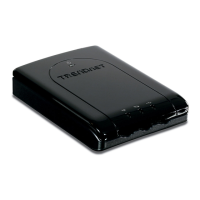
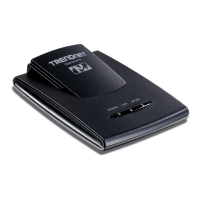
With AP mode, you can use the travel router as an access point of your wireless
device.
Checklist
A valid network or Internet connection.
A DSL / cable modem provided by the ISP as part of the broadband connection
installation.
A broadband router that connects to the DSL / cable modem for internet
connection sharing.
√
√
√
You need to connect...
Connect the travel router to your router or network that has a DHCP server. The
travel router will obtain an IP address from the network automatically. Connect
the LAN port of the travel router to the LAN port on your network then plug in the
power adapter.
Use wireless computers to connect to the ravel router (default SSID
TRENDnet654).
•
•



 To Next Page