Wireless Travel Router 73Wireless Travel Router 73
4. ROUTER MODE
4.2.5 Status
The Status menu displays device, logs, trafc, and connection information.
Device Info
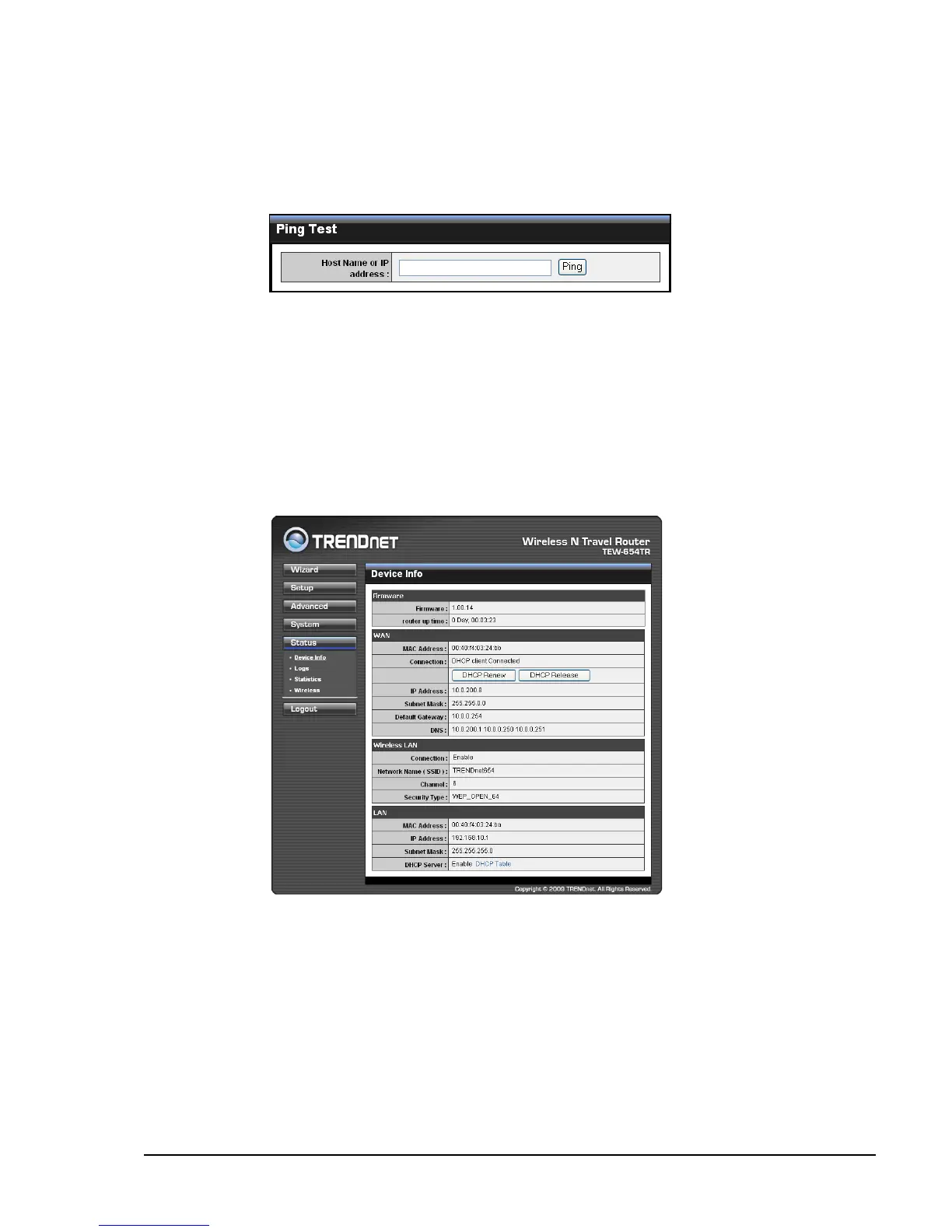
This page displays the Firmware Version, WAN, Wireless LAN and LAN information.
Ping Test
Enter the host name or the IP address on the box, then click Ping to check the status
of the connection and determine whether the specied host name or IP address is
present on the Internet.
DHCP Renew
Click to reassign IP addresses to client stations connected to the WAN via the travel
router.
DHCP Release
Click to release all IP addresses assigned to client stations connected to the WAN via
the travel router.
DHCP Table
Click to view DHCP list.****















 To Next Page