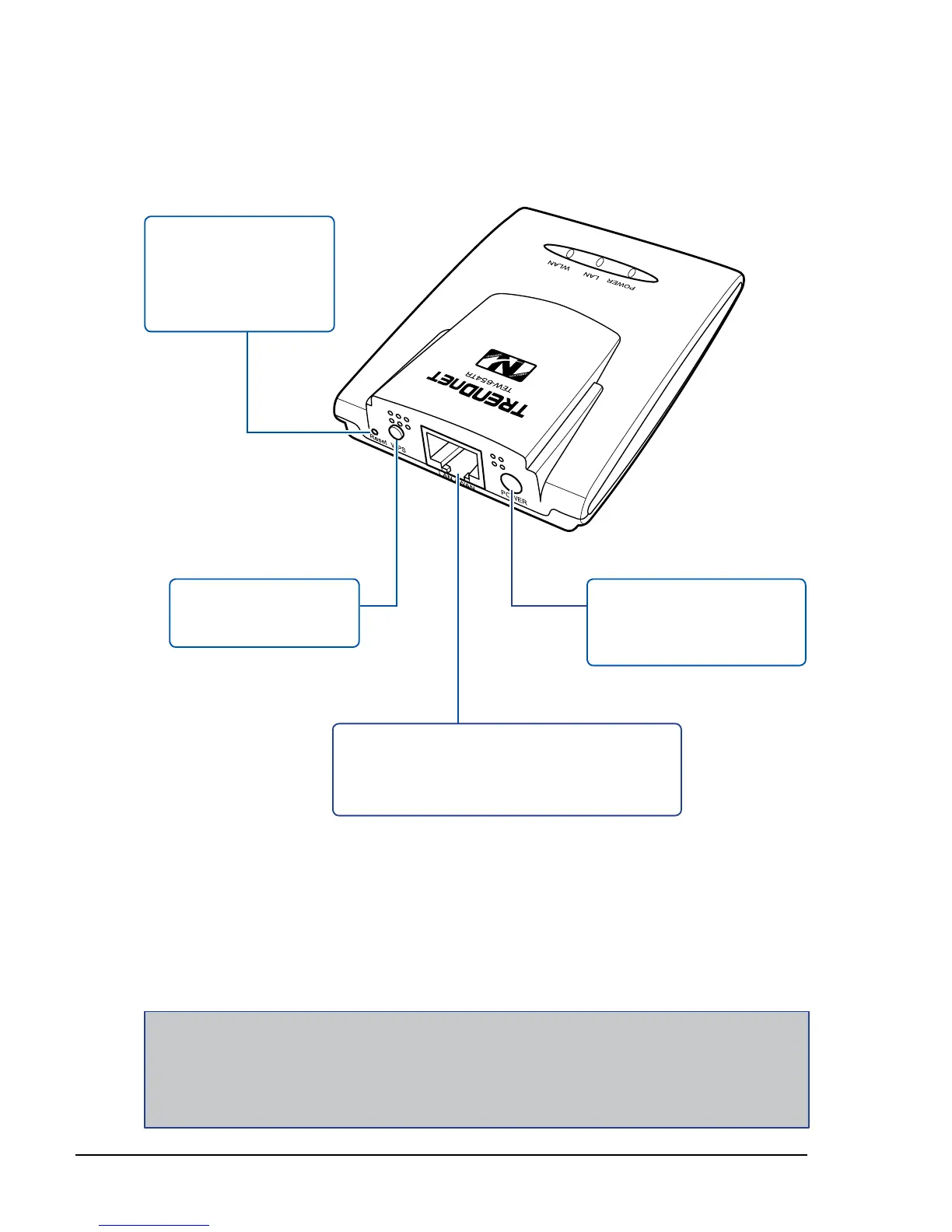
1.3.2 Connectors
Note:
A wireless network normally requires a network name (SSID) and WPA security key to prevent
unwanted access to the network. This process requires users to have knowledge of WiFi devices
and their congurations. But with WPS enabled, the network name (SSID) and WPA security key of
the devices are automatically congured.
WPS Button
Press to enable Wi-Fi
Protected Setup.
LAN / WAN Port
Connect to a wired network or a DSL modem,
a computer, or other device such as a switch
or a hub using the Ethernet cable.
Reset Button
Press and hold for 5
seconds to reboot the
device and restore the
factory default settings.
Power Port
Connect the power adapter
or the USB cable to this
port.















 To Next Page