Wireless Travel Router70 Wireless Travel Router70
4. ROUTER MODE
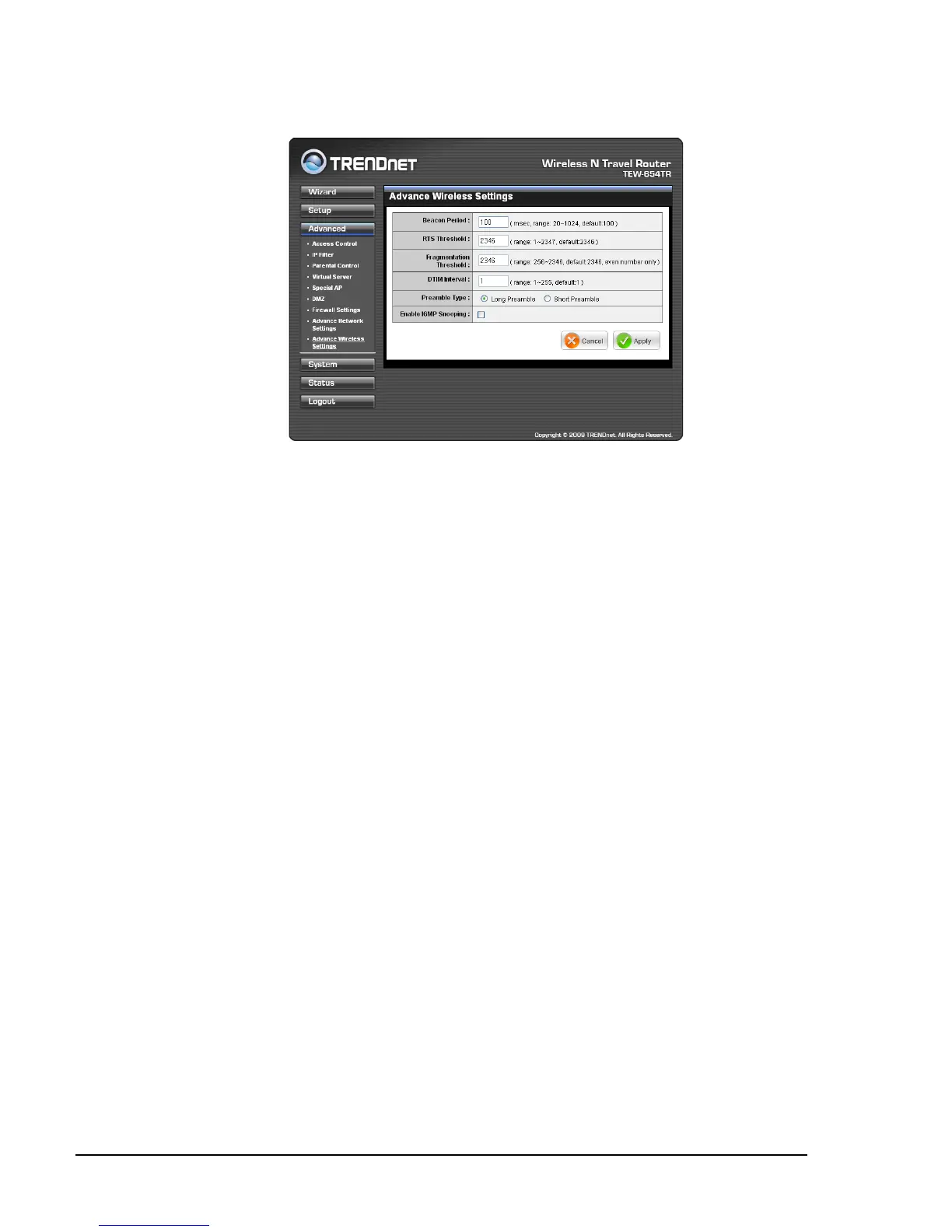
Advanced Wireless Network Settings
Once conguration is complete, click Apply to save and apply settings, or click
Cancel to cancel changes. The travel router will restart for new settings to take effect.
Beacon Period
Enter the interval period of time for the access point to send out beacons to
synchronize the wireless network. The default value is 100 milliseconds.
RTS Threshold
The default and the recommended value is 2346. Should you encounter inconsistent
data ow, only minor adjustments should be made.
Fragmentation Threshold
Fragmentation threshold refers to the amount of packets that will be fragmented
before transmission. The default and recommended value is 2346 bytes.
DTIM Interval
This value indicates the interval of Delivery Trafc Indication Message (DTIM).
A DTIM is a countdown eld informing clients of the next window for listening to
broadcast and multicast messages. The default value is 1.
Preamble Type
Preamble is use to limit the packets of data for transmission. When the connection is
bad, it is recommended to use the Short Preamble.
Enable IGMP Snooping
Check the box to enable Internet Group Management Protocol (IGMP) snooping.
This function restrains multicast trafc in a switched network.















 To Next Page