Wireless Travel Router 67Wireless Travel Router 67
4. ROUTER MODE
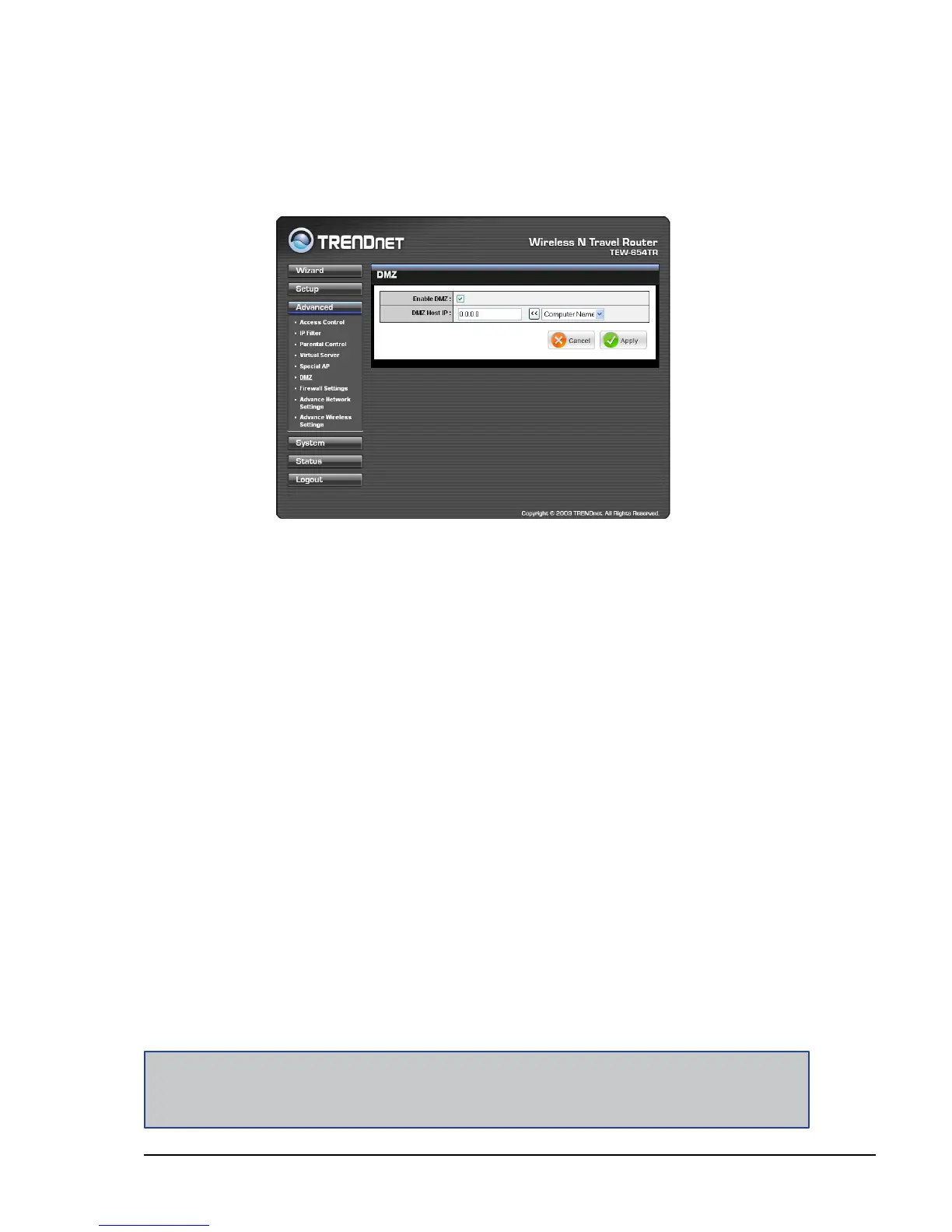
DMZ
The DMZ (Demilitarized Zone) menu allows you to create a DMZ for computers that
cannot access Internet applications properly and have security settings. All access
will be redirected to the DMZ host.
Enable
Check the box to enable DMZ function. Uncheck to disable.
DMZ Host IP
The host IP address to act as a DMZ host with unlimited Internet access. You can
either type an IP address or generate it from a list of computers.
To generate the IP address:
1 Select the computer name from the list.
2 Click the << button. The computer’s IP address is shown on the DMZ Host IP
box.
Once conguration is complete, click Apply to save and apply settings, or click
Cancel to cancel changes. The travel router will restart for new settings to take effect.
Note:
Any clients added to the DMZ exposes the clients to security risks such as viruses and unauthorized
access.















 To Next Page