Wireless Travel Router32 Wireless Travel Router32
3. CLIENT MODE
3.2 Web-Based Conguration
After making all the required connections, congure the travel router using the web-
based conguration utility.
How to Access the Conguration Utility
1
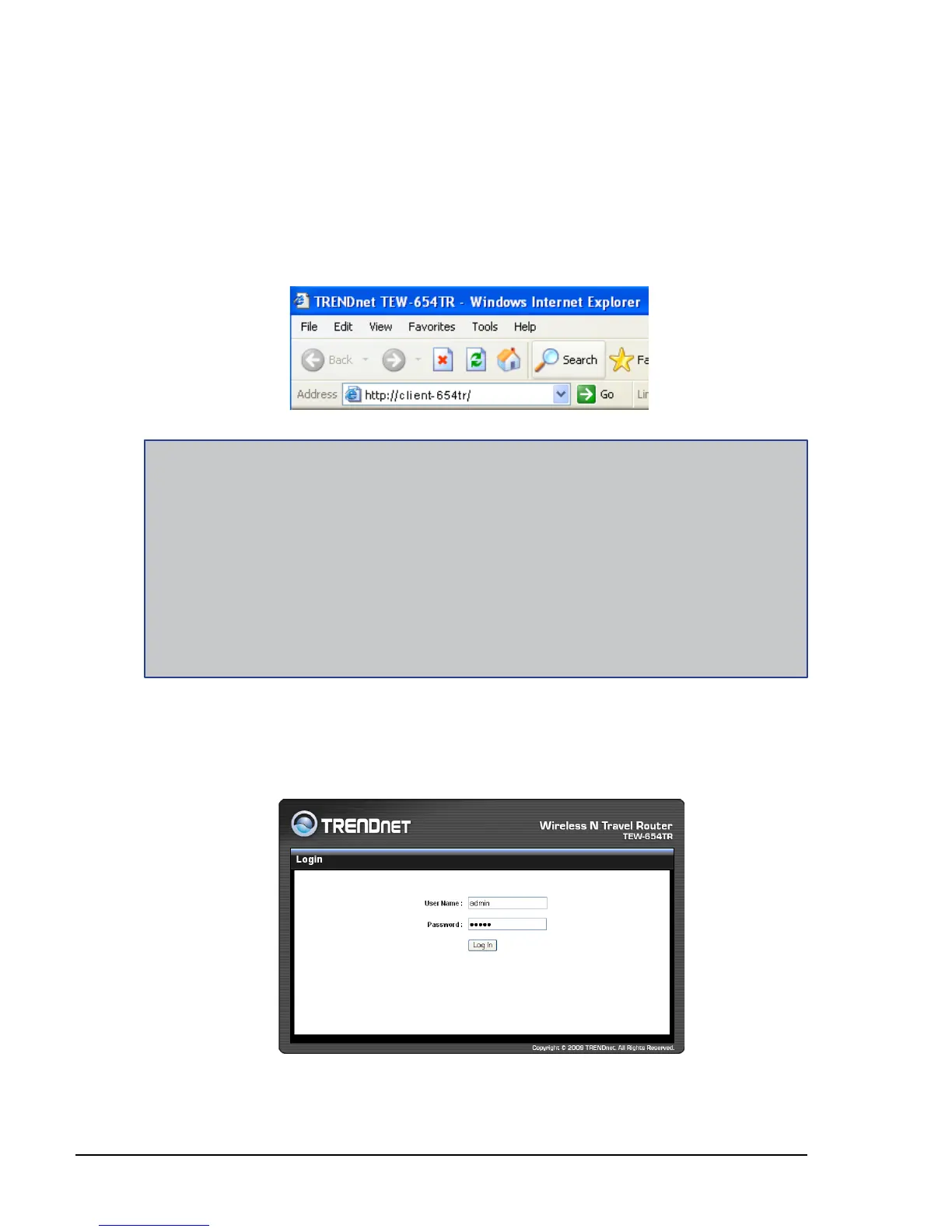
Open a web-browser and enter default address: http://client-654tr/.
2 Enter the default User Name and Password: admin.
Notes:
You can also access the web-based conguration by any of the following ways:
1. If your LAN connection uses DHCP, the travel router can obtain an IP address from the DHCP
server. You can either enter that IP address or the default address http://client-654tr/ on the
browser’s address eld to open the web-based conguration utility.
2. If your LAN connection uses Static IP, You can either enter http://client-654tr/ or that static IP
address on the browser’s address eld. The default IP address is 192.168.10.1.
If you cannot access the conguration utility:
Disable the Internet security software on the computer. The rewall may block access to the
conguration page. Check the software rewall documentation for help.
•















 To Next Page