Wireless Travel Router 33Wireless Travel Router 33
3. CLIENT MODE
3.2.1 Wizard
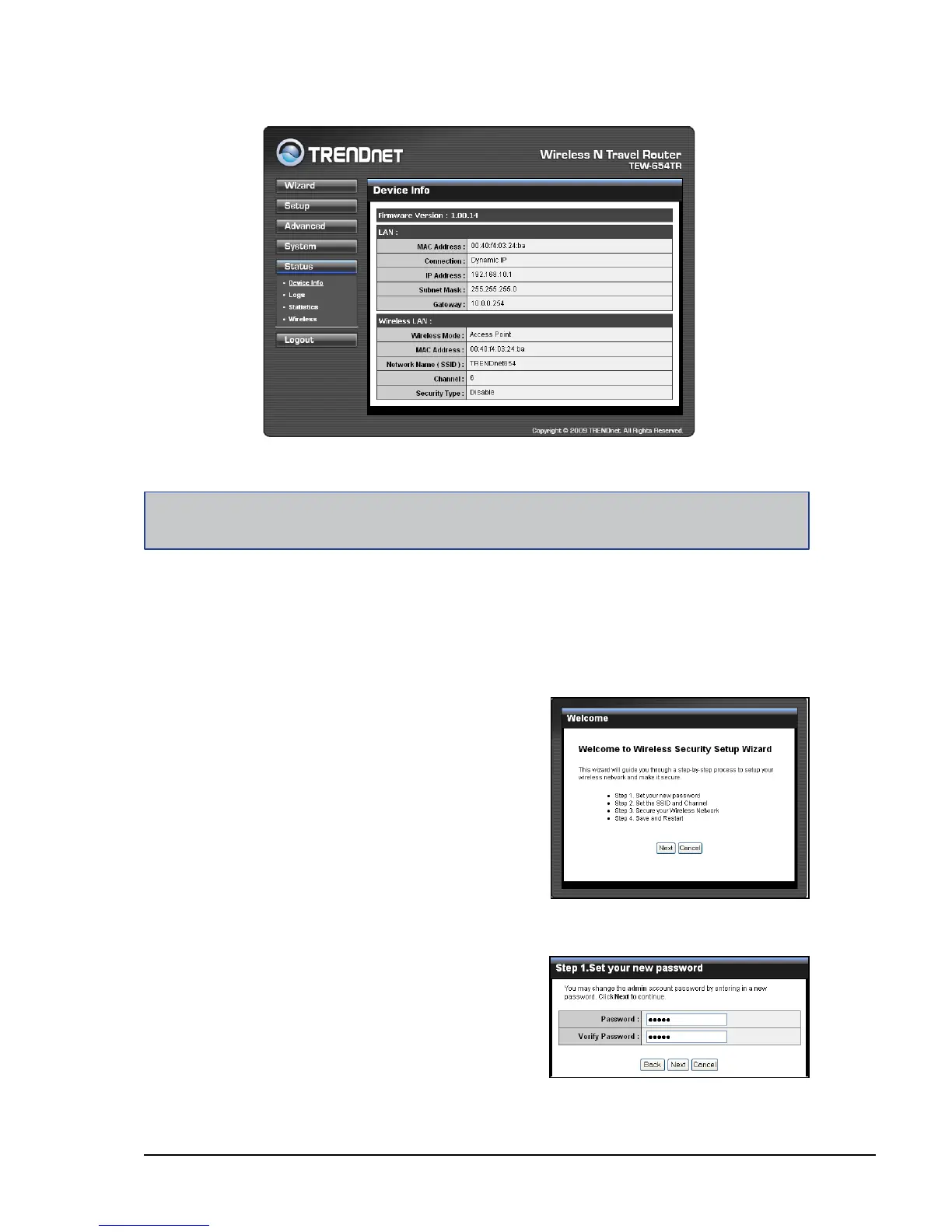
Click the Wizard button to congure the travel router using the setup wizard.
1 Click Next to continue.
2 Create a new Password, then click
Next to continue.
After login, the Status > Device Info page is displayed.
Note:
For novice users, it is recommended to use the Setup Wizard to congure the travel router.
To access a page, click the buttons on the right.
To logout, click Logout.















 To Next Page