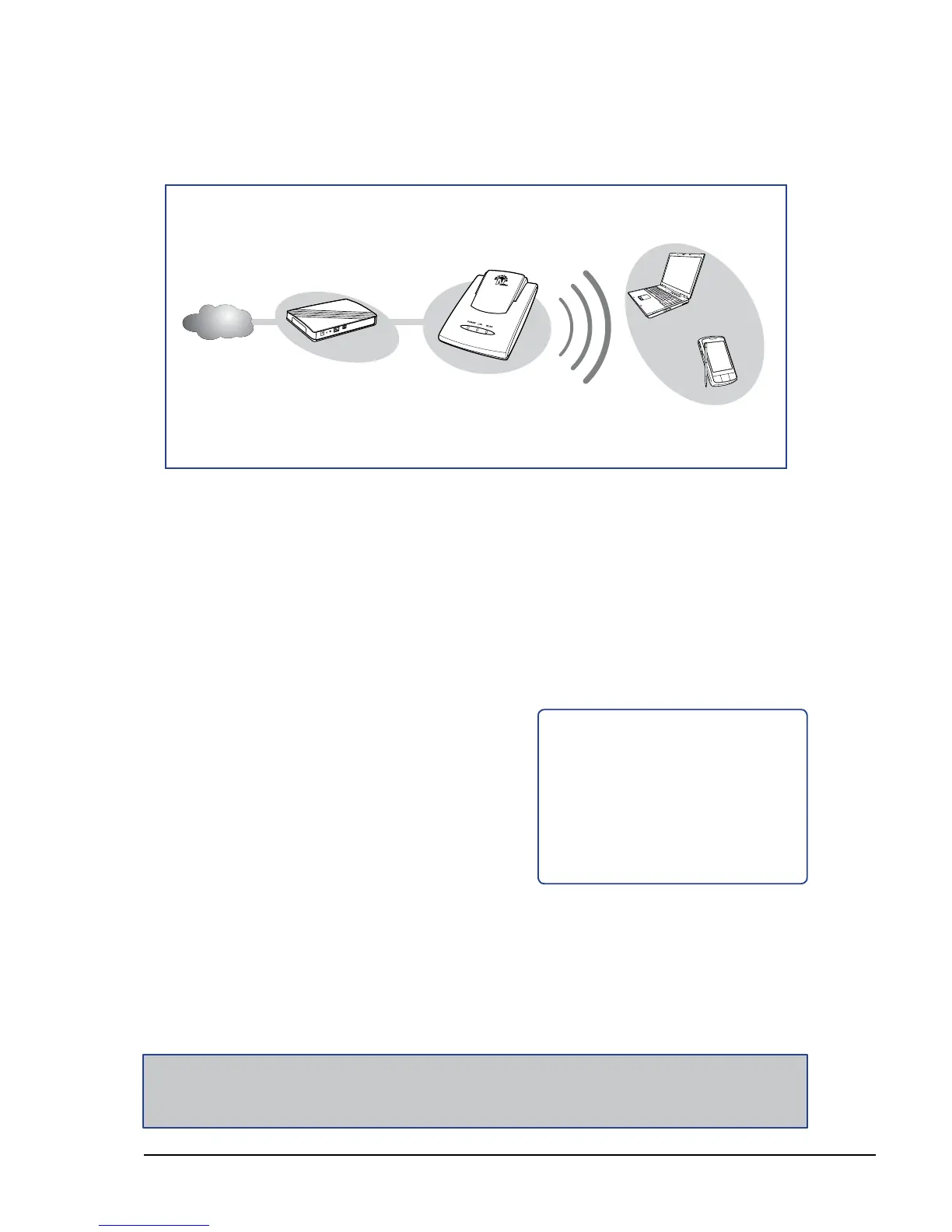
Network Diagram
The following LED
indicators should be lit...
Power LED (solid)
LAN LED (solid)
WLAN LED (ashing green)
√
√
√
1 Adjust the switch to Router mode. See 1.4.1 Setting the Operating Mode on
page 10.
2 Connect one end of the RJ-45 Ethernet cable to the travel router and the other
end to the broadband router.
3 Turn on or plug in the DSL / cable modem and the broadband router.
4 Connect the power adapter to the travel router and plug to an outlet or power
strip. Wait for the travel router to boot.
5 Check the LED indicators to verify
connection.
6 Enable the wireless function of the
wireless clients or devices.
Note:
Make sure you remove the power source from the travel router rst before adjusting the mode
switch.















 To Next Page