Wireless Travel Router 71Wireless Travel Router 71
4. ROUTER MODE
4.2.4 System
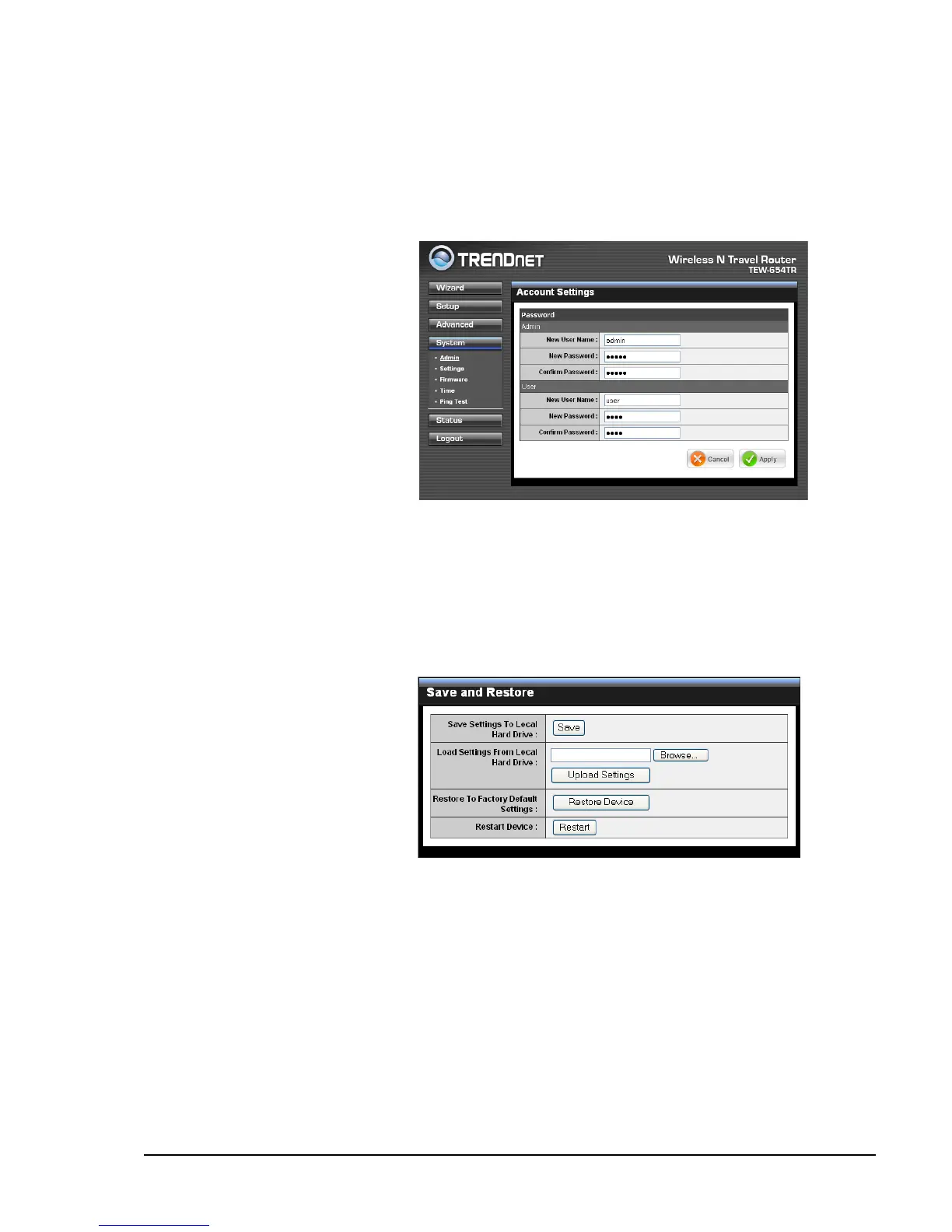
Admin
The Admin submenu allows you to change the administrator (Admin) user name and
password, as well as setup another User account.
Administrator
The administrator has overall
rights to view and edit the web
congurations. The default user
name and password are “admin”.
User
The user can only view the web
congurations but cannot edit
them.
New User Name
Enter the new user name.
New / Conrm Password
Enter the password.
Click Apply to save and apply settings, or click Cancel to cancel changes. The travel
router will restart for new settings to take effect.
Settings
The Settings submenu provides
backup and restore setting
functions.
Save Settings to Local Hard
Drive
Use this function to save the
current conguration settings to
your local hard drive. Click Save,
then select the folder where you want to save the le.
Load Settings From Local Hard Drive
Use this function to retrieve saved conguration settings from the local hard drive.
1 Click Browse to locate the le.
2 Click Upload Settings to transfer and apply the settings to the travel router.
Restore to Factory Default Settings
Click Restore Device to restore all congurations to the factory default settings. All
changes in conguration will be deleted.
Restart Device
Click Restart to reboot the travel router.















 To Next Page