Wireless Travel Router68 Wireless Travel Router68
4. ROUTER MODE
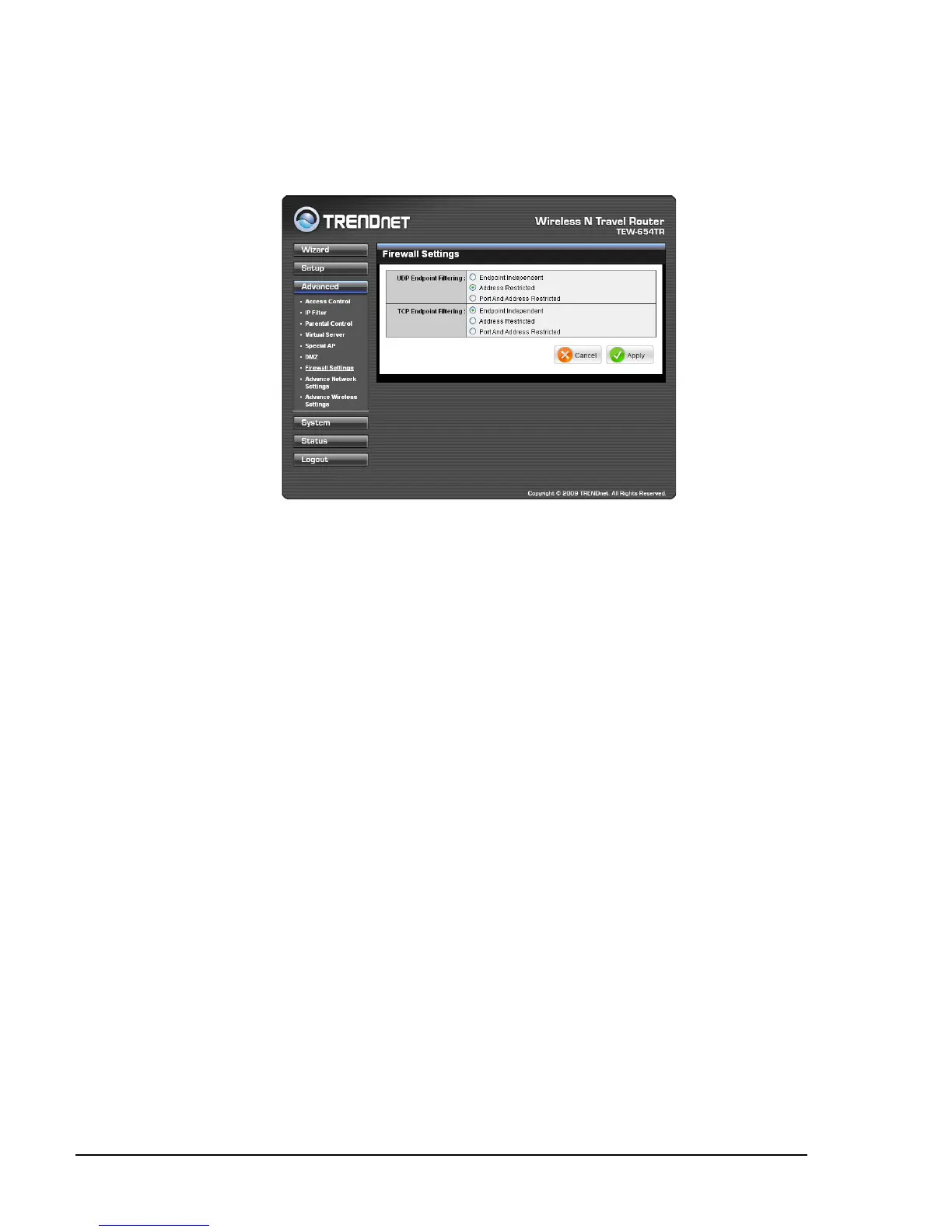
Firewall Settings
A rewall protects your network from outsiders or unauthorized users or other
networks.
UDP / TCP Endpoint Filtering
Select any of the following options:
Endpoint Independent: Once a LAN application has created a connection
through a specic port, all incoming trafc will be forwarded to the same port.
There is a risk in security.
Address Restricted: Incoming trafc will be forwarded to the same IP address of
the outgoing connection. This provides better security than endpoint independent.
Port and Address Restricted: Incoming trafc is sourced from the IP address
you originally connected to, and that it is replying from the same port that you
connected to. This provides the best security.
•
•
•
Once conguration is complete, click Apply to save and apply settings, or click
Cancel to cancel changes. The travel router will restart for new settings to take effect.















 To Next Page