Wireless Travel Router 55Wireless Travel Router 55
4. ROUTER MODE
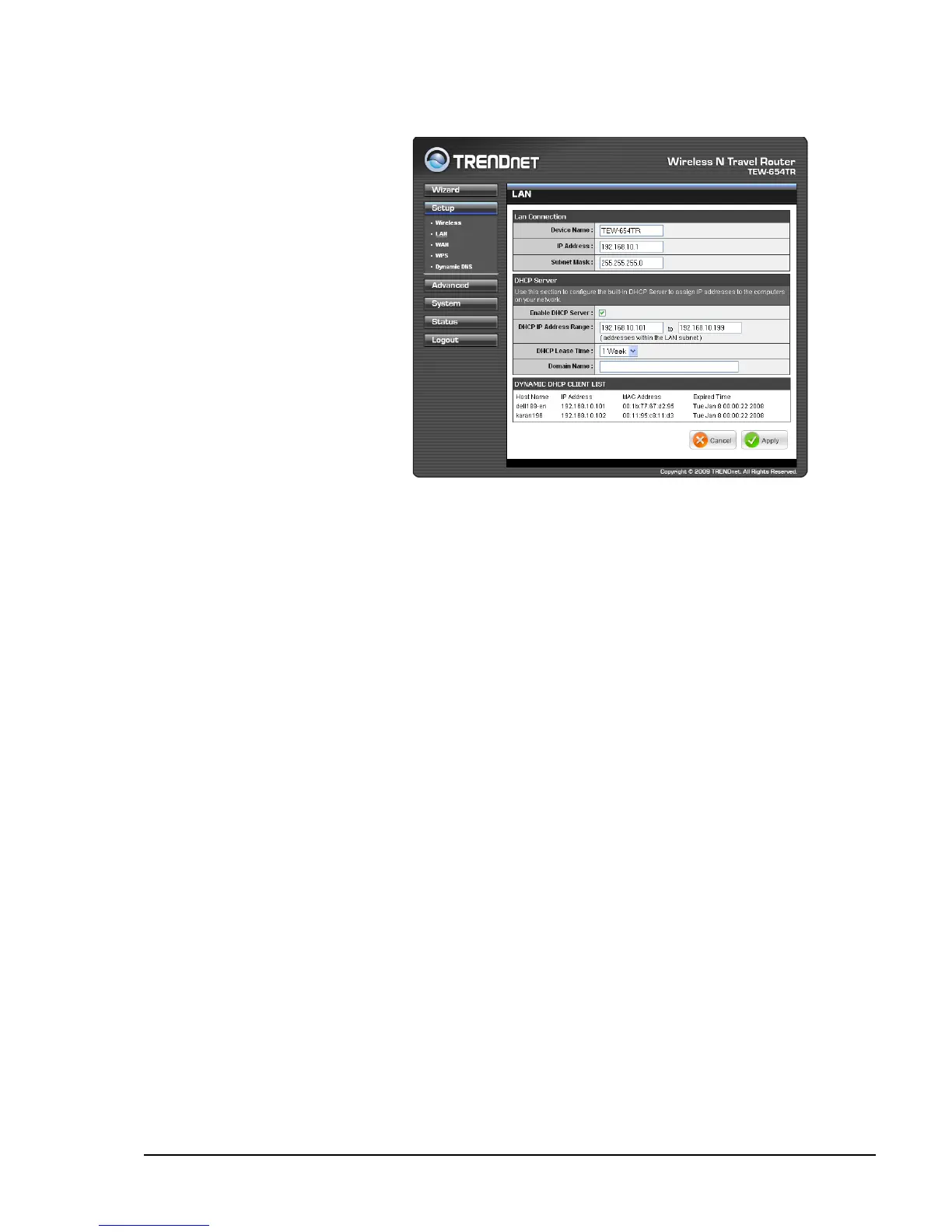
Device Name
Create the device name. The
default name is TEW-654TR.
IP Address
Enter the IP address provided by
your ISP.
Subnet Mask
Enter the subnet mask provided
by your ISP.
Enable DHCP Server
Check the box to allow the travel
router to automatically assign an
IP address to each connected
devices. This function is enabled
by default.
DHCP IP Address Range
Enter the starting and ending range of IP addresses that can be assigned to clients
on your network.
DHCP Lease Time
Select the length of time to “lease” the dynamic IP address from the list. The default
time is 1 Week.
Domain Name
Enter the domain name (optional).
Dynamic DHCP Client List window
Displays the list of DHCP clients.
Local Area Network (LAN) Settings
Once conguration is complete, click Apply to save and apply settings, or click
Cancel to cancel changes. The travel router will restart for new settings to take effect.















 To Next Page