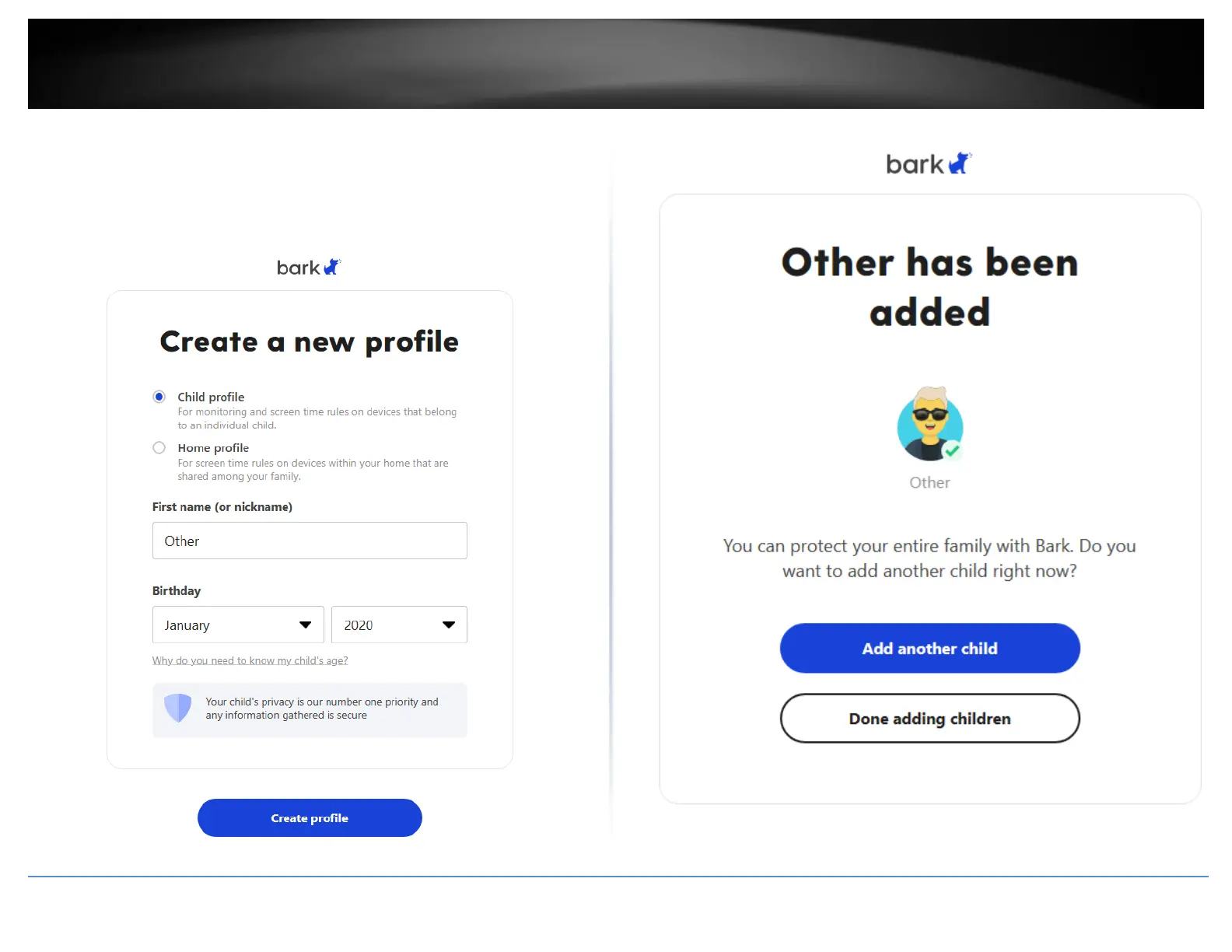
9. To get started, create a new Child Profile and enter the name Other. Select any date
for the Birthday.
Note: Bark works by assigning specific devices to created profiles in which each profile
can be assigned a specific set of access rules. If you are using the router on a home
network, you can create a Bark profile named Children or Kids and apply the specific
devices and rules later on.
10. Click Done Adding Children.














 To Next Page