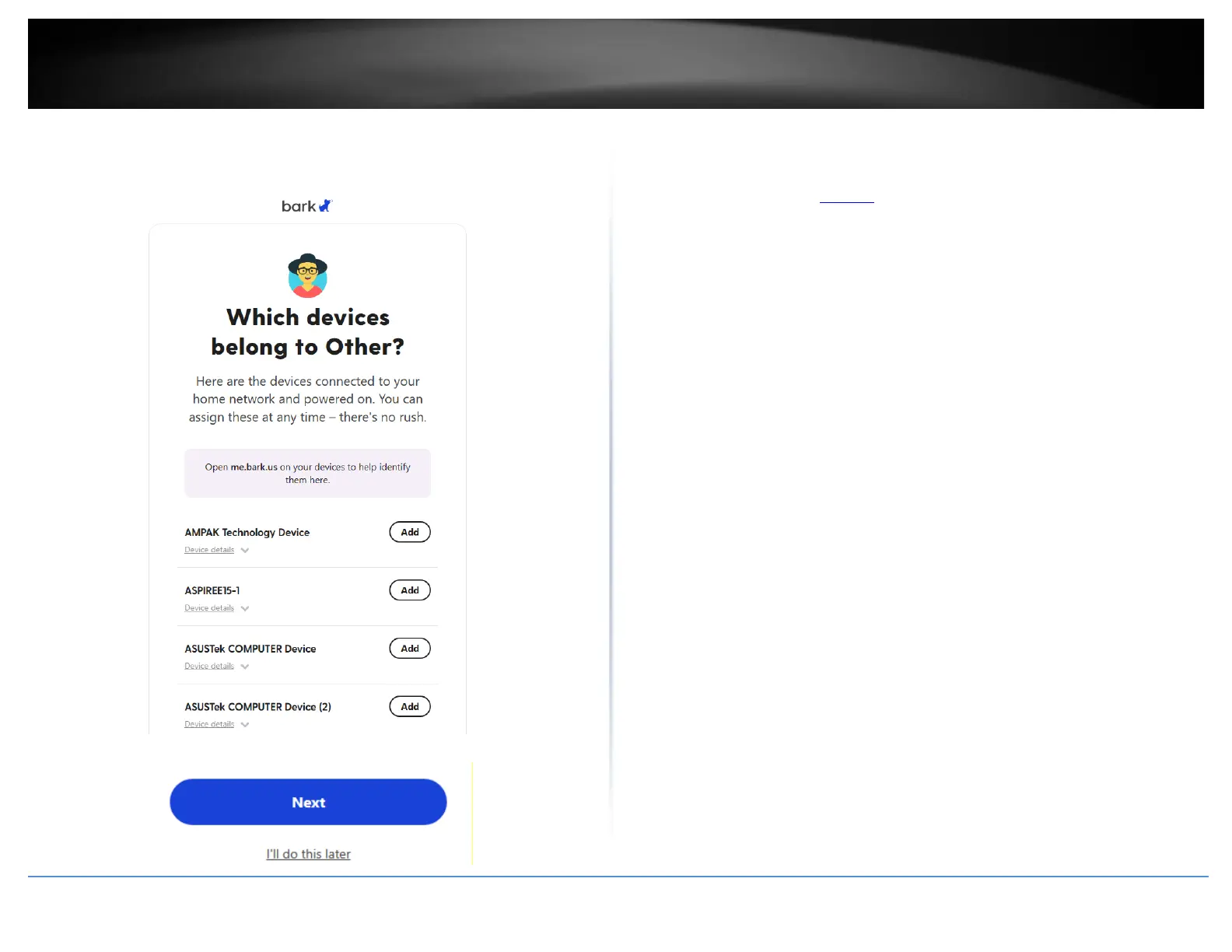
11. A list of devices connected and discovered by your router will be listed prompted if
you would like to assign these devices to the new profile “Other”. If you would like to do
this later, scroll to the bottom of the page and click Next or I’ll do this later.
12. On the Dashboard page, scroll down and under the Bark Home section, you will find
that the TRENDnet TEW-929DRU router has been added to your Bark account. For
additional information regarding Bark functionality and configuration, please refer to
the Bark website under the Discover section for details.














 To Next Page