50 Juno Series Handhelds User Guide
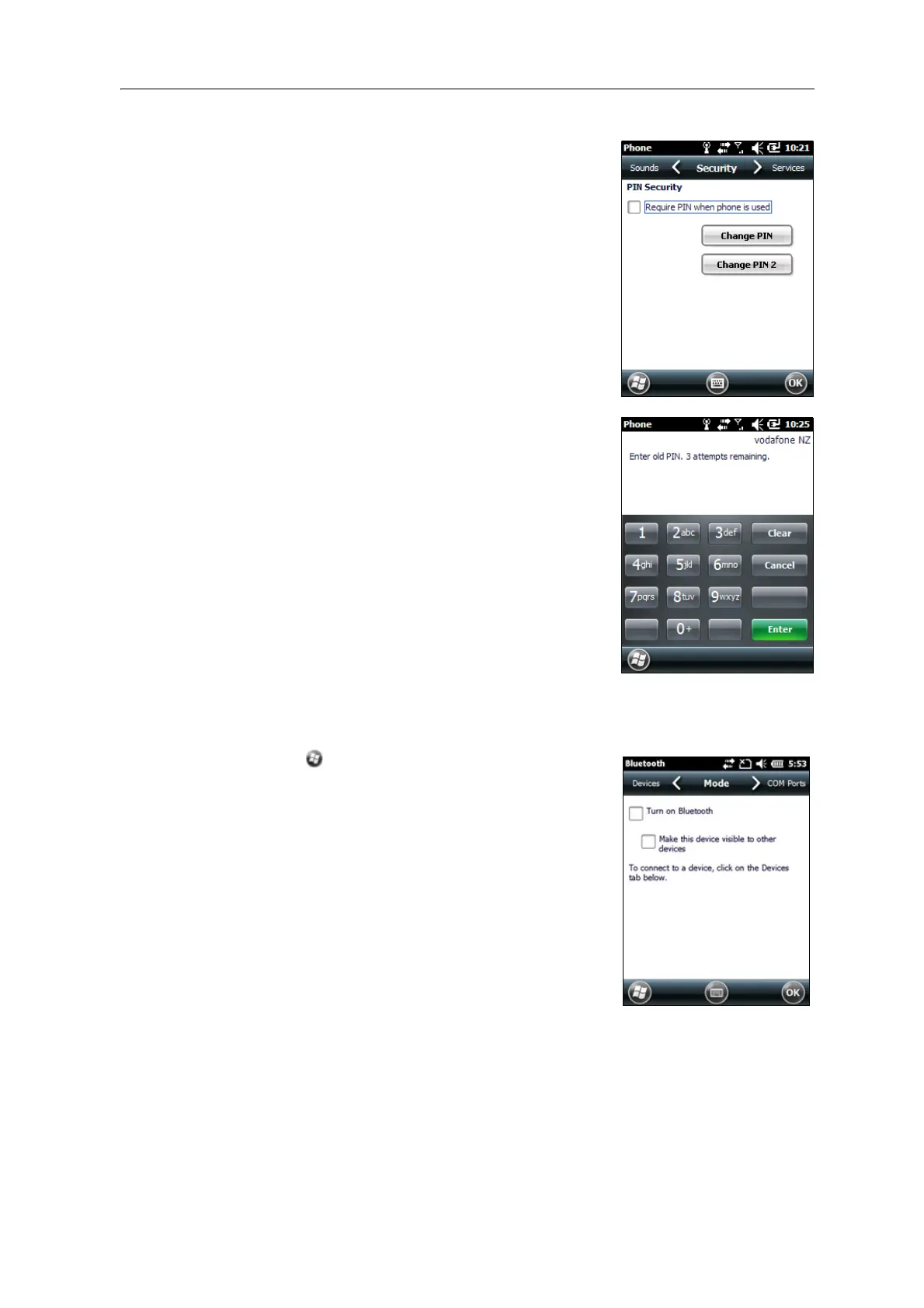
3. To configure the phone to always require a PIN,
select Require PIN when phone is used.
4. Enter the preset PIN assigned by your wireless
ser
vice provider.
5. Tap
OK.
To change a PIN:
1. Tap
Change PIN.
2. Enter the current PIN and then tap
Enter.
3. Enter a new PIN and then tap
Enter.
Turning on and turning off the Bluetooth radio from within the Bluetooth
application
1. Tap / S
ettings / Bluetooth.
2. Tap the Mo
de tab.
3. Select the T
urn on Bluetooth check box to turn on
the radio, or clear this check box to turn off the
radio.
4. Tap
OK.
Note – If th
e integrated Bluetooth radio is deactivated, the
message
Problem with Bluetooth hardware may appear
when you try to turn on the Bluetooth radio or discover
devices.



 To Next Page