Juno Series Handhelds User Guide 71
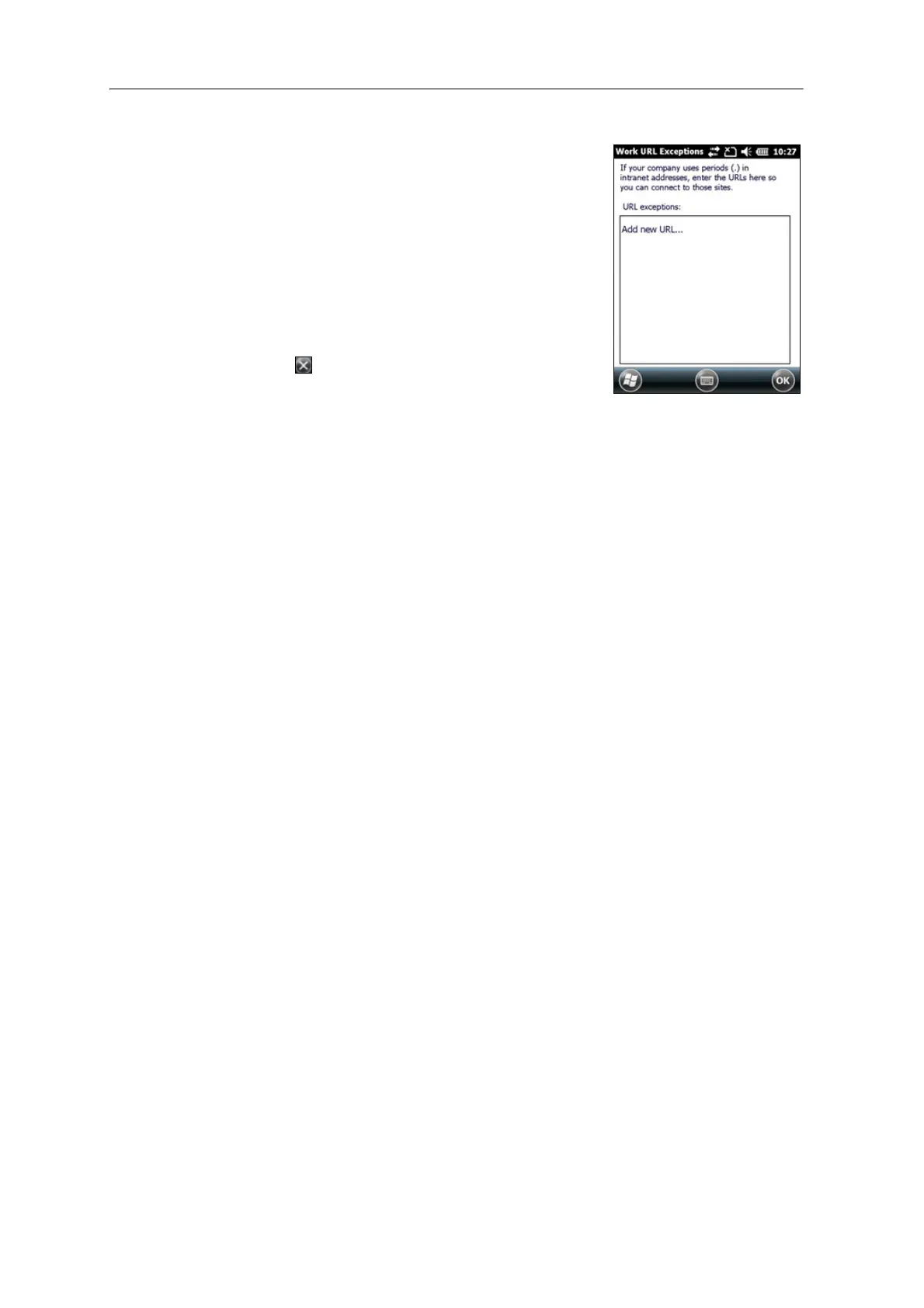
3. Tap Exceptions. The Work URL Exceptions screen
appears.
4. Tap Add ne
w URL.
5. Enter the URL and then tap
OK.
6. Repeat Step 4 and Step 5 as required.
7. Tap
OK to return to the Advanced tab of the
Connections screen.
8. Tap
OK to close the Connections screen.
9. Tap to close the S
ettings screen.



 To Next Page