5-15
Operation on the Machine > Sending Document via E-mail
Sending Document via E-mail
When transmitting using wireless LAN, select the interface dedicated to the send function in advance.
Primary Network (page 8-16)
Configuring Settings before Sending
Before sending an E-mail, configure the SMTP and E-mail settings using the Embedded Web Server RX.
E-mail Settings (page 2-51)
Sending Scanned Document via E-mail
1
Select the [Send] key.
2
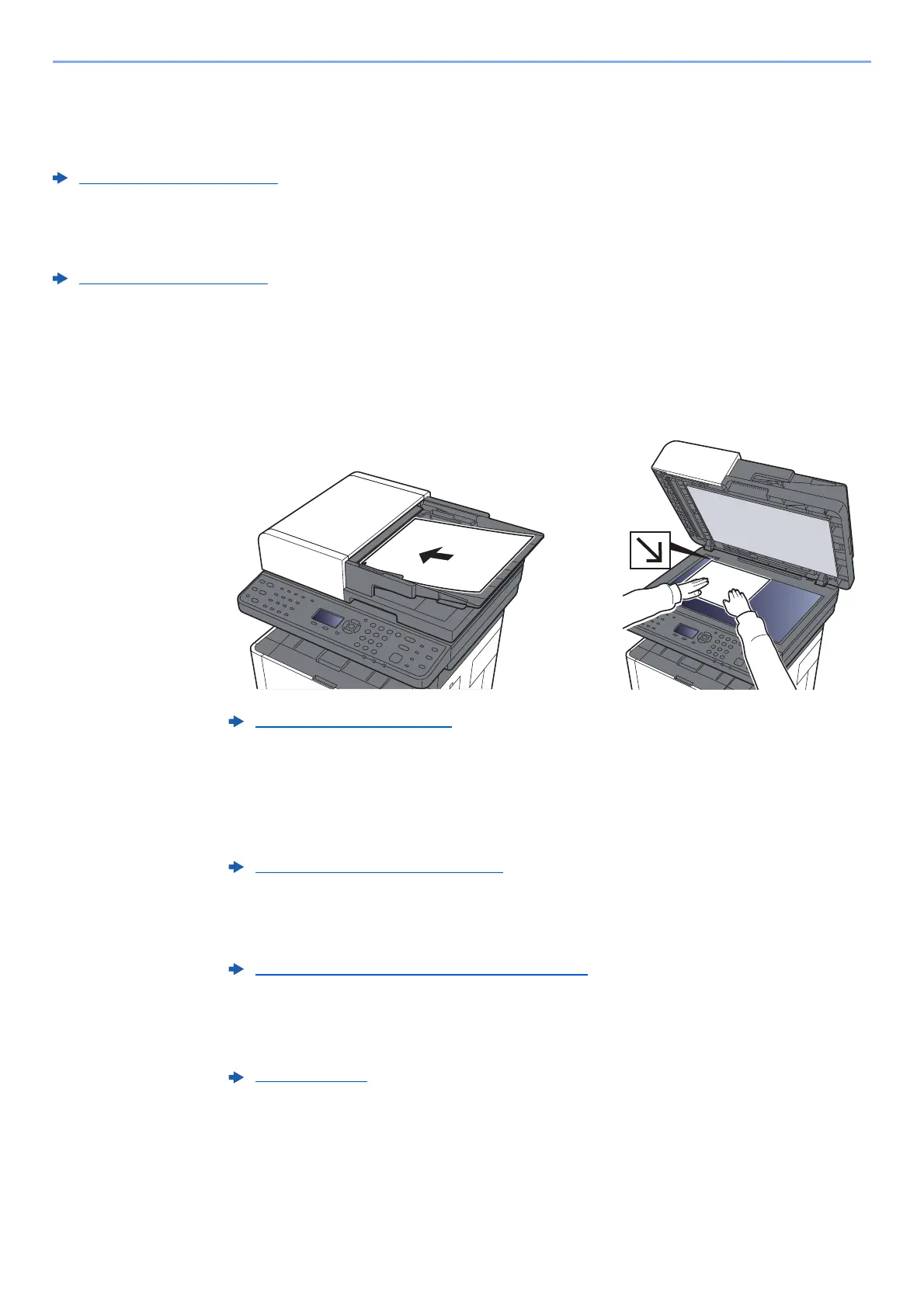
Place the originals.
3
[▲] [▼] key > [E-mail] > [OK] key
4
Enter destination E-mail address > [OK] key
Up to 128 characters can be entered.
To enter multiple destinations, select [Confirm/Add Destination] key and enter the next
destination. Up to 100 E-mail addresses can be specified.
Destinations can be changed later.
5
Select the functions.
Select the [Function Menu] key to select the send functions to use.
6
Press the [Start] key.
Sending starts.
Loading Originals (page 5-2)
Character Entry Method (page 11-8)
Confirmation Screen of Destinations (page 5-34)
Send (page 6-4)











 To Next Page