5-39
Operation on the Machine > Operating using Removable USB Memory
Saving Documents to USB Memory (Scan to USB)
1
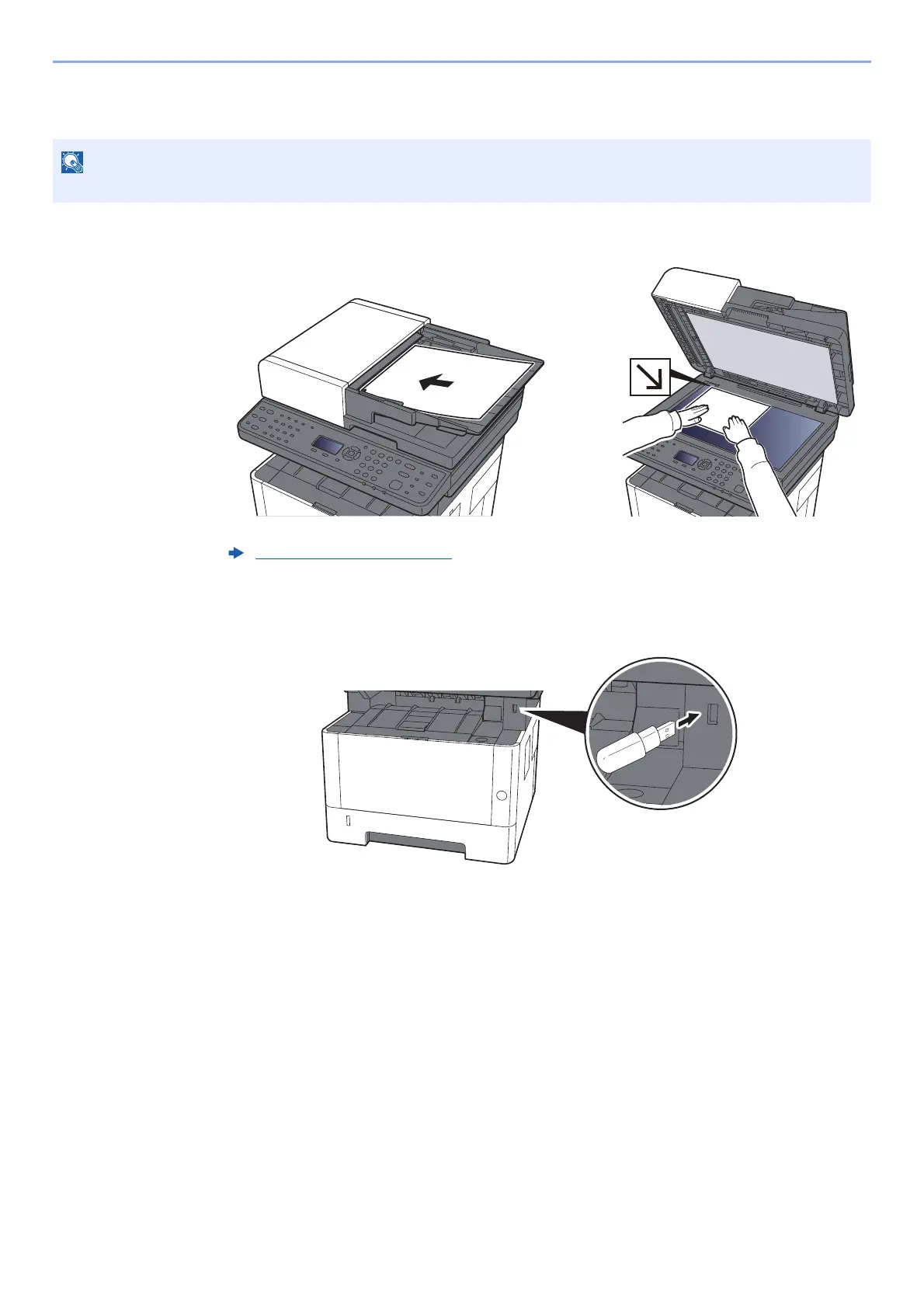
Place the originals.
2
Plug the USB memory.
Plug the USB memory into the USB Memory Slot.
3
Display the screen.
[Document Box/USB] key > [▲] [▼] key > [USB Memory] > [OK] key
The maximum number of the storable files is 1,000.
Loading Originals (page 5-2)











 To Next Page