6-18
Using Various Functions > Functions
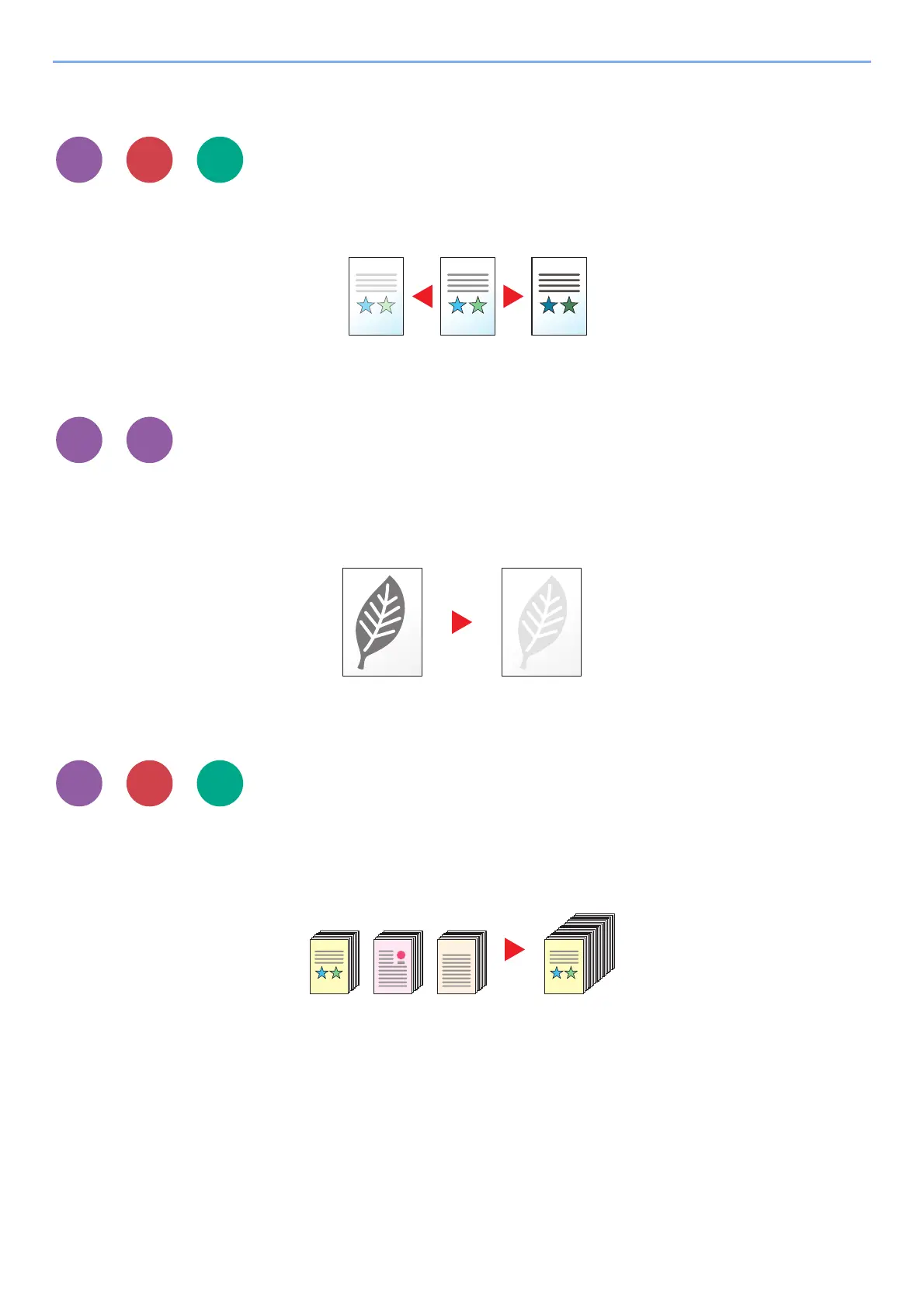
Density
Adjust density.
(Value: [-4] to [+4] (Lighter to Darker))
EcoPrint
EcoPrint saves toner when printing.
Use this function for test prints or any other occasion when high quality print is not required.
(Value: [Off] / [On])
Continuous Scan
Scans a large number of originals in separate batches and then produce as one job.
Originals will be scanned continuously until you select [End Scan].
(Value: [Off] / [On])
Send
Print from
USB
Send











 To Next Page