5-23
Operation on the Machine > WSD Scan
For Windows 10
1
Right-click [Start] button on the Windows and select [Control
Panel] and then [View devices and printer].
2
Install the driver.
Click [Add a device]. Select the machine's icon and then click [Next].
When the machine's icon is displayed in "Printers" on the [Devices and Printers] screen, the
installation is completed.
WSD scan
1
Select the [Send] key.
2
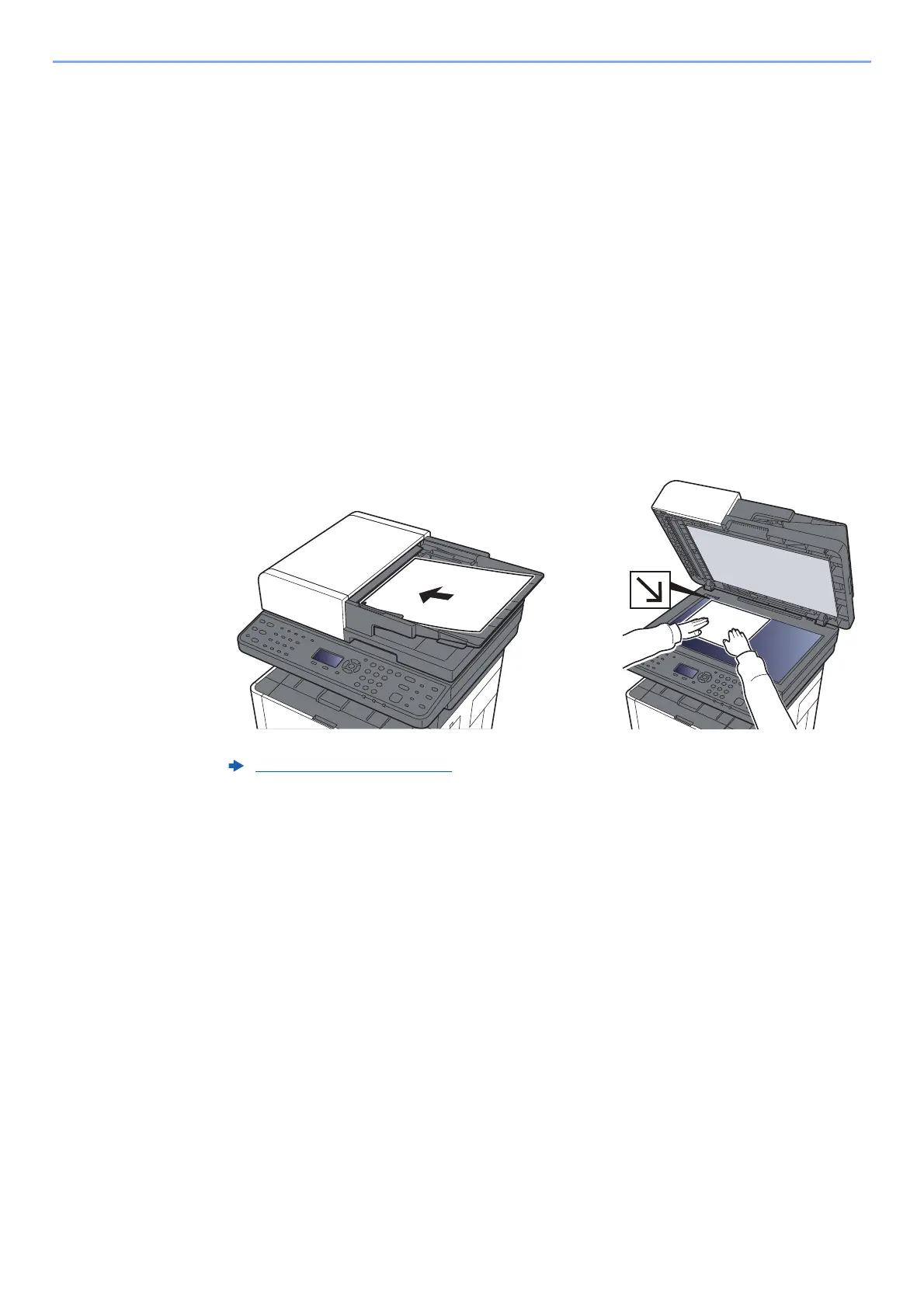
Place the originals.
3
Display the screen.
[▲] [▼] key > [WSD Scan] > [OK] key
Loading Originals (page 5-2)











 To Next Page