6-29
Using Various Functions > Functions
FTP Encrypted TX
Encrypts images when sending via FTP.
Encryption secures the document transmission.
(Value: [Off] / [On])
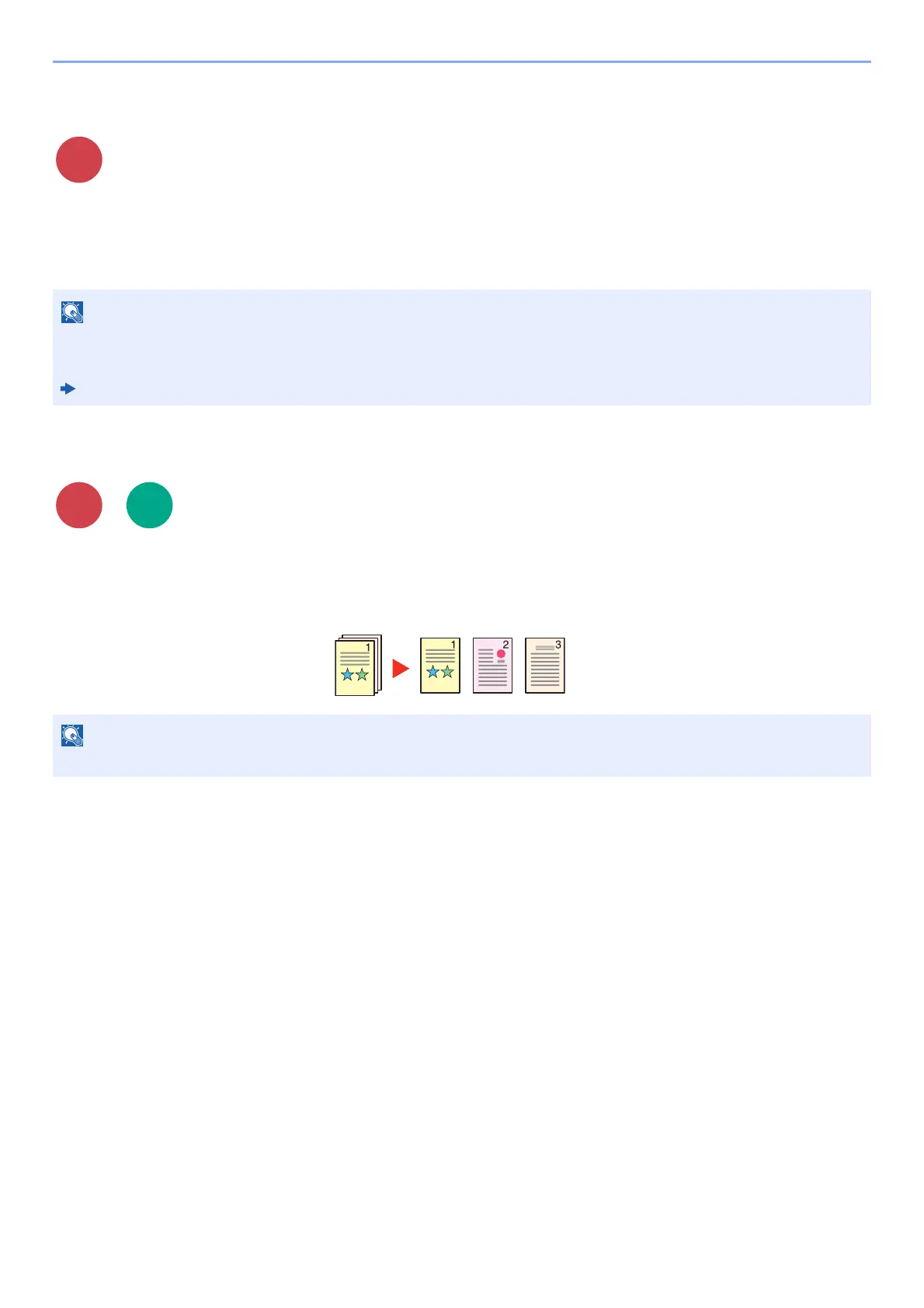
File Separation
Creates several files by dividing scanned original data page by page, and sends the files.
(Value: [Off] / [Each Page])
Select [Each Page] to set File Separation.
Click [Security Settings], and then [Network Security] in the Embedded Web Server RX. Be sure that "SSL" of
Secure Settings is "On" and one or more effective encryption are selected in Client side settings.
Embedded Web Server RX User Guide
A three-digit serial number such as "abc_001.pdf, abc_002.pdf..." is attached to the end of the file name.
Scan to
USB











 To Next Page