2-16
Installing and Setting up the Machine > Login/Logout
Logout
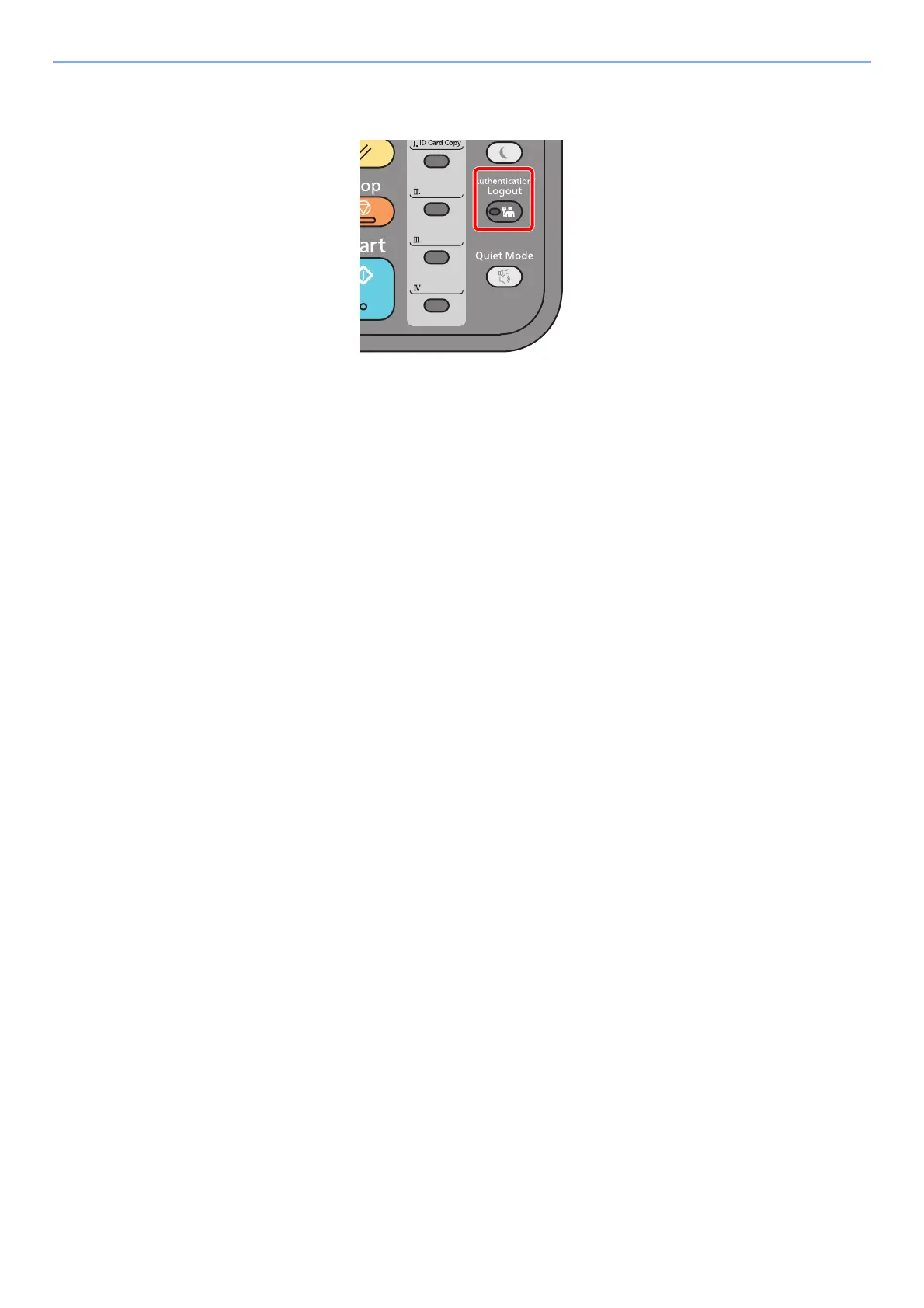
To logout from the machine, select the [Authentication/Logout] key to return to the login user
name/login password entry screen.
Users are automatically logged out in the following circumstances:
• When the machine enters the sleep state.
• When the auto panel reset function is activated.











 To Next Page