9-6
User Authentication and Accounting (User Login, Job Accounting) > Setting User Login Administration
Adding a User (Local User List)
This adds a new user. You can add up to 100 users (including the default login user name).
1
Display the screen.
1 [System Menu/Counter] key > [▲] [▼] key > [User/Job Account] > [OK] key
2 [▲] [▼] key > [User Login Set.] > [OK] key > [▲] [▼] key > [Local User List] > [OK] key >
[Menu] > [▲] [▼] key > [Add User] > [OK] key
By default, one of each default user with machine administrator rights and administrator privileges is already stored.
Each user's properties are:
Machine Administrator
User Name: DeviceAdmin
Login User Name:
P-3521 MFP: 3500
P-4020 MFP/P-4025w MFP: 4000
Login Password:
P-3521 MFP: 3500
P-4020 MFP/P-4025w MFP: 4000
Access Level: Machine Administrator
Administrator
User Name: Admin
Login User Name: Admin
Login Password: Admin
Access Level: Administrator
* Upper case and lower case letters are distinguished (case sensitive).
It is recommended to periodically change the user name, login user name and login password regularly for your
security.
If the login user name entry screen appears during operations, enter a login user name
and password, and select [
Login
]. For this, you need to login with administrator privileges.
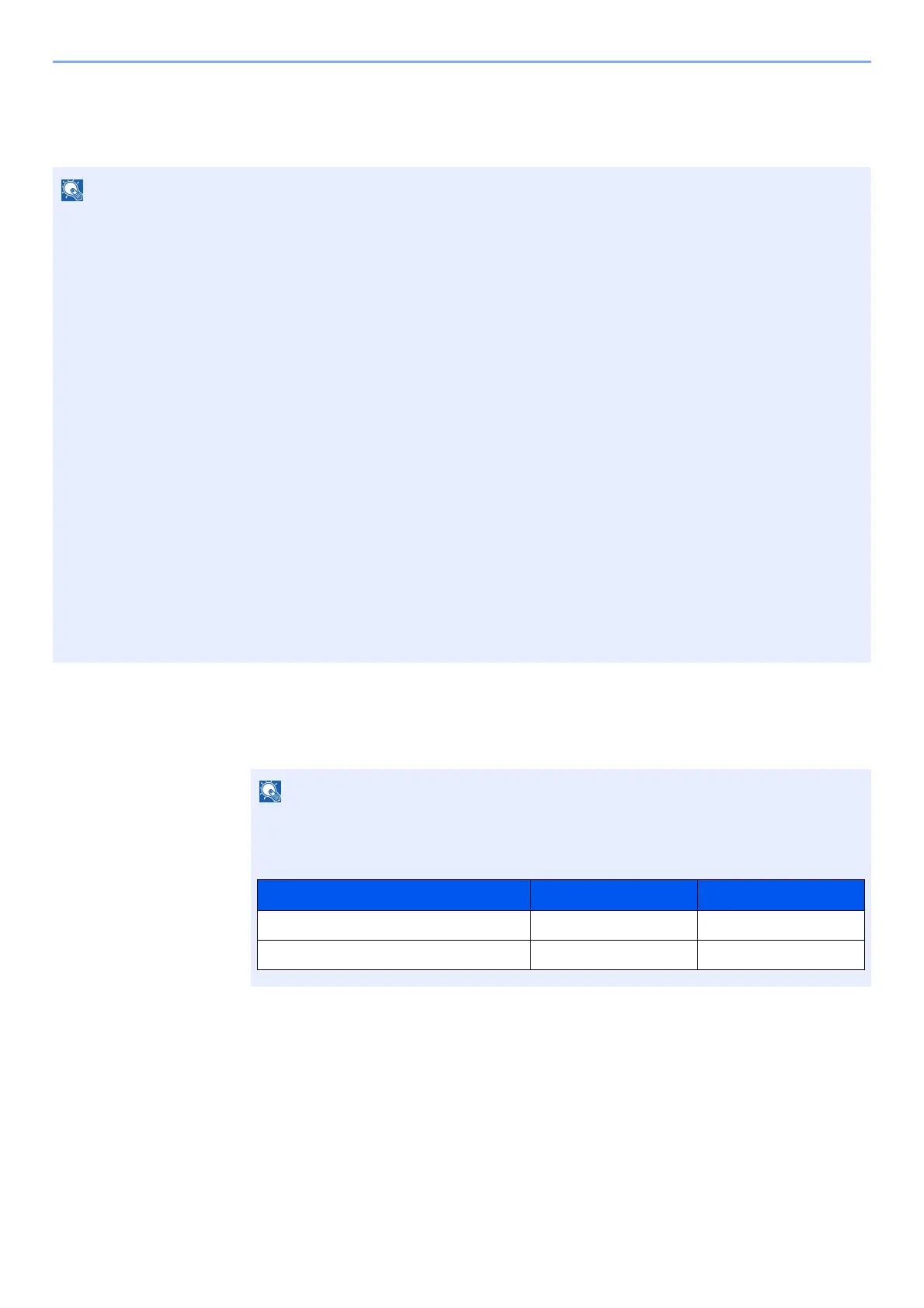
The factory default login user name and login password are set as shown below.
Model Name Login User Name Login Password
P-3521 MFP 3500 3500
P-4020 MFP/P-4025w MFP 4000 4000











 To Next Page