5-16
Operation on the Machine > Sending Document to Desired Shared Folder on a Computer (Scan to PC)
Sending Document to Desired Shared
Folder on a Computer (Scan to PC)
Configuring Settings before Sending
Before sending an document, configure the following settings.
• Make a note of the computer name and full computer name
• Make a note of the user name and domain name
• Create a shared folder and make a note of a shared folder
• Configure the Windows firewall
Sending Document to Desired Shared Folder on a
Computer
1
Select the [Send] key.
2
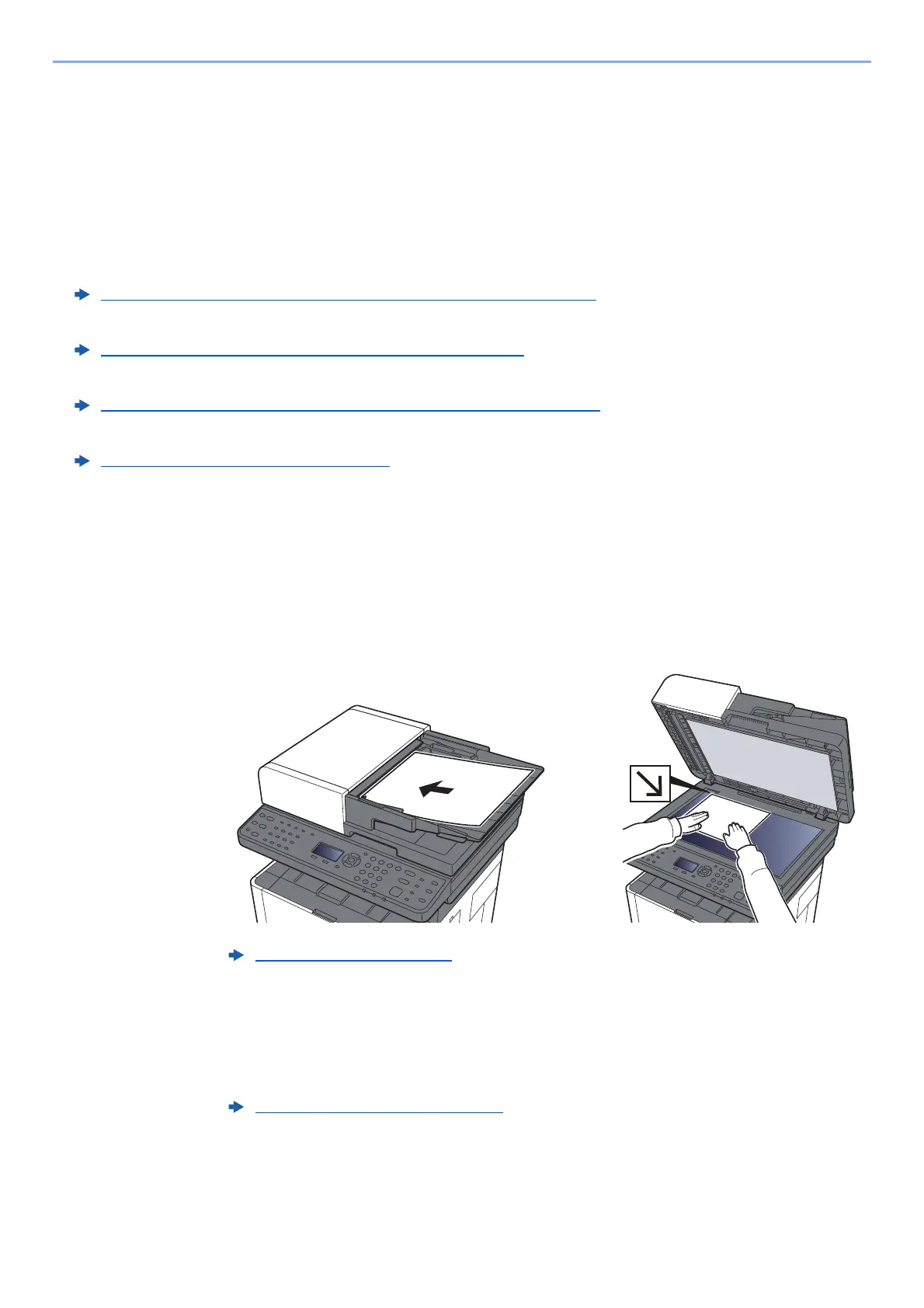
Place the originals.
3
[▲] [▼] key > [Folder(SMB)] > [OK] key
4
Enter the destination information.
Enter the information for each item and select the [OK] key.
Making a note of the computer name and full computer name (page 3-8)
Making a note of the user name and domain name (page 3-9)
Creating a Shared Folder, Making a Note of a Shared Folder (page 3-10)
Configuring Windows Firewall (page 3-13)
Loading Originals (page 5-2)
Character Entry Method (page 11-8)











 To Next Page