5-18
Operation on the Machine > Sending Document to Folder on an FTP Server (Scan to FTP)
Sending Document to Folder on an FTP
Server (Scan to FTP)
Configuring Settings before Sending
Before sending an document, configure the FTP Client (Transmission).
ProtocolSettings (page 8-12)
Sending Document to Folder on an FTP Server
1
Select the [Send] key.
2
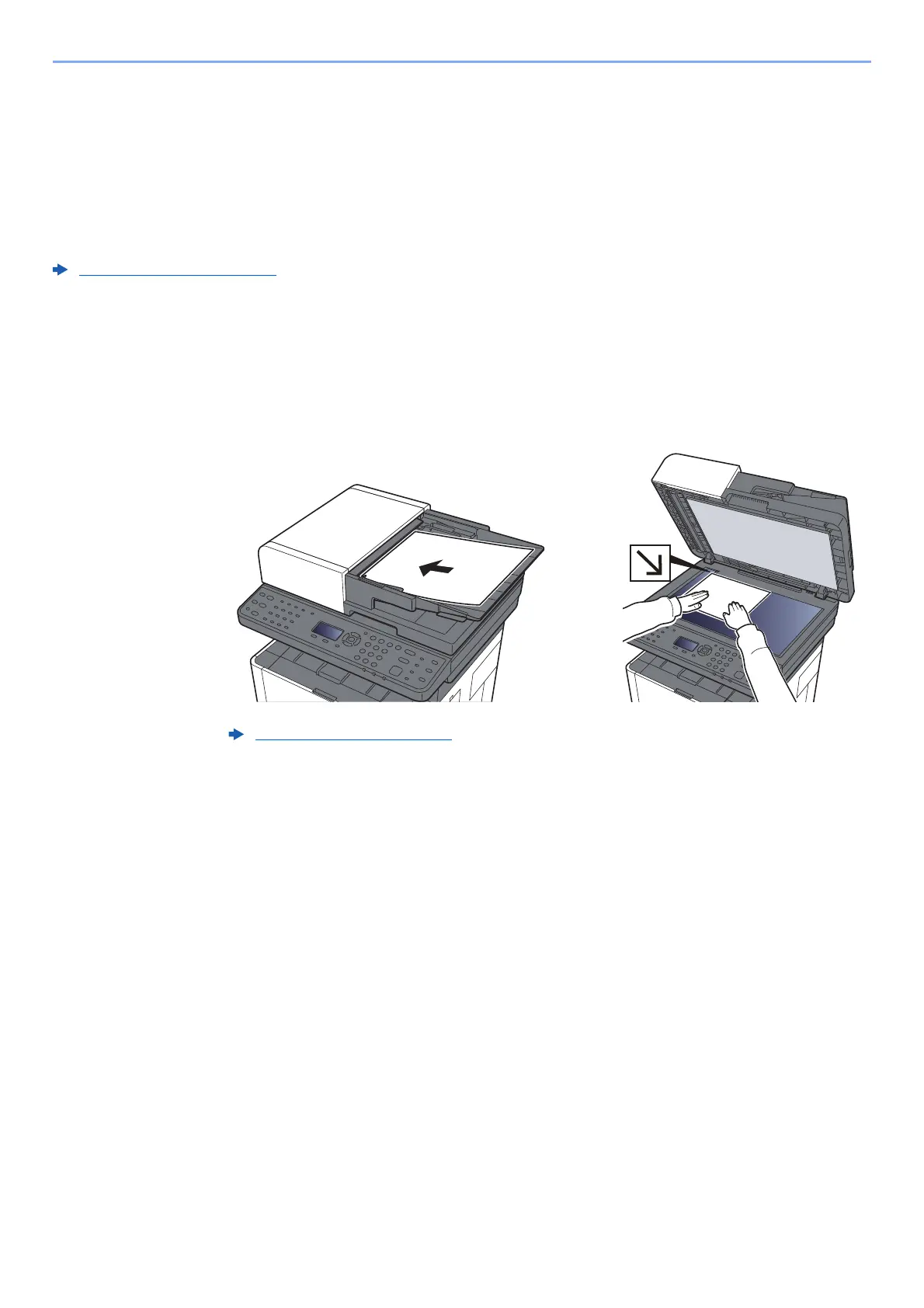
Place the originals.
3
[▲] [▼] key > [Folder(FTP)] > [OK] key
Loading Originals (page 5-2)











 To Next Page