2-31
Installing and Setting up the Machine > Installing Software
Installing Software in Windows
Express Install
The following procedure is an example for installing the software in Windows 8.1 using [Express Install].
For details on Custom Installation, refer to the following:
Custom Install (page 2-33)
1
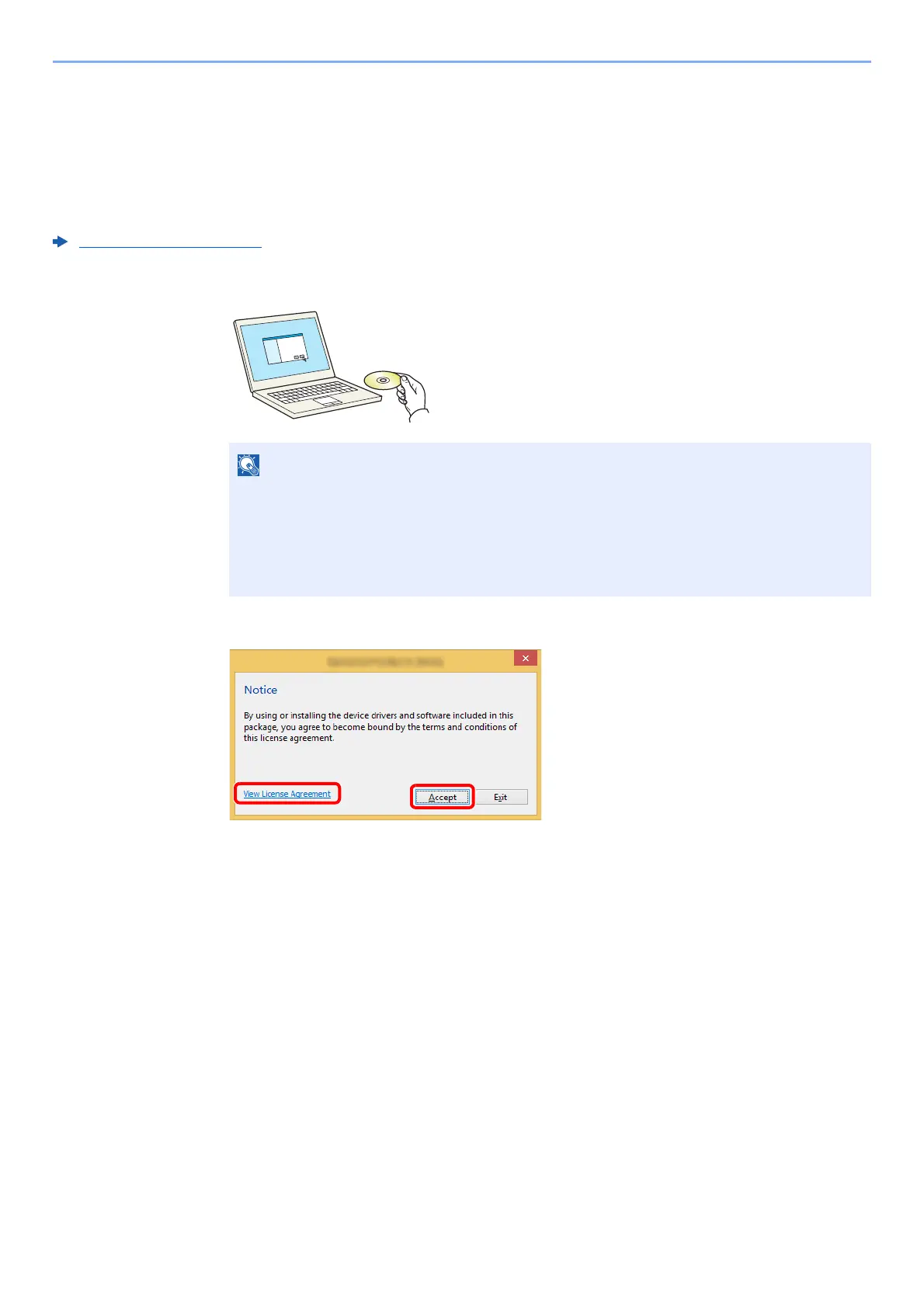
Insert the DVD.
2
Display the screen.
3
Select [Express Install].
• Installation on Windows must be done by a user logged on with administrator privileges.
• If the "Welcome to the Found New Hardware Wizard" dialog box displays, select
[Cancel].
• If the autorun screen is displayed, click [Run setup.exe].
• If the user account management window appears, click [Yes] ([Allow]).
1Click [View License Agreement]
and read the License Agreement.
2Click [Accept].
1
2











 To Next Page