9-37
User Authentication and Accounting (User Login, Job Accounting) > Configuring Job Accounting
Print Accounting Report
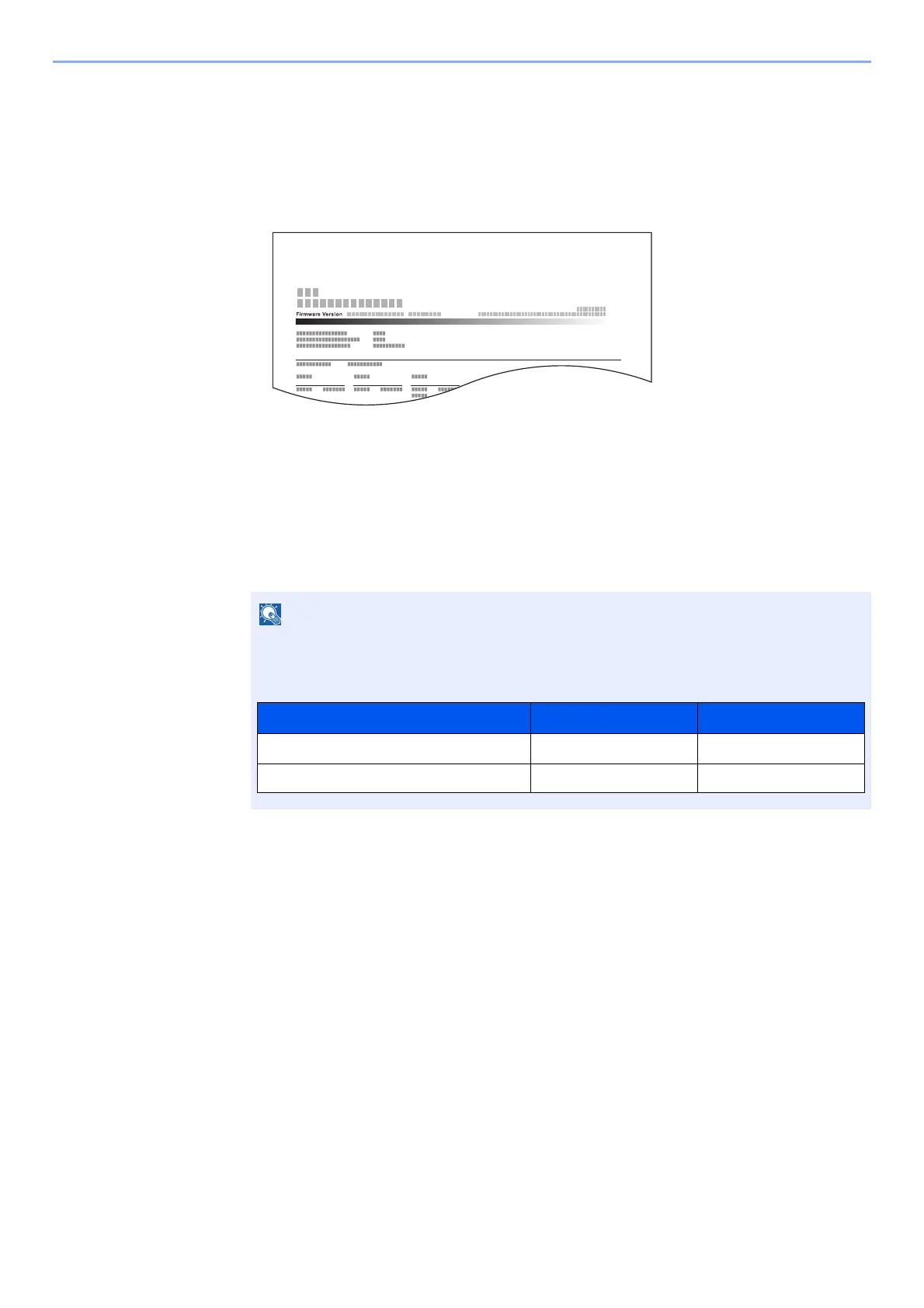
The total pages counted of all relevant accounts can be printed as an accounting report.
Reports have different formats depending on how the count of copiers and printers is administered.
When "Individual" is selected for Managing the Copy/Printer Count.
1
Prepare paper.
Check that A4 or Letter paper is loaded in the cassette.
2
Display the screen.
1 [System Menu/Counter] key > [▲] [▼] key > [User/Job Account] > [OK] key
2 [▲] [▼] key > [Job Account.Set.] > [OK] key
3
Print the report.
[▲] [▼] key > [Account. Report] > [OK] key > [Yes]
Accounting report is printed.
If the login user name entry screen appears during operations, enter a login user name
and password, and select [
Login
]. For this, you need to login with administrator privileges.
The factory default login user name and login password are set as shown below.
Model Name Login User Name Login Password
P-3521 MFP 3500 3500
P-4020 MFP/P-4025w MFP 4000 4000



 To Next Page