2–12
EXTERNAL BEEPER
The PaveTracker Plus is equipped with an external beeper mounted
on its underside. The external beeper can be enabled or disabled as
desired. To control the external beeper, press 〈5〉 on the Setup
menu shown on page 2–7. The gauge displays:
-External Beeper-
1. ON
2. OFF
Press # to Select
Press 〈1〉 to enable the external beeper or 〈2〉 to disable it. The gauge
sets the external beeper function to the desired state, displays a brief
confirmation message, and returns to the Setup menu.
USER ID
The PaveTracker Plus stores a three-character user ID with each
measurement. To enter or change the user ID, press 〈6〉 on the
Setup menu shown on page 2–7. The gauge displays:
User ID
XXX
Do You Want To
Change User ID?
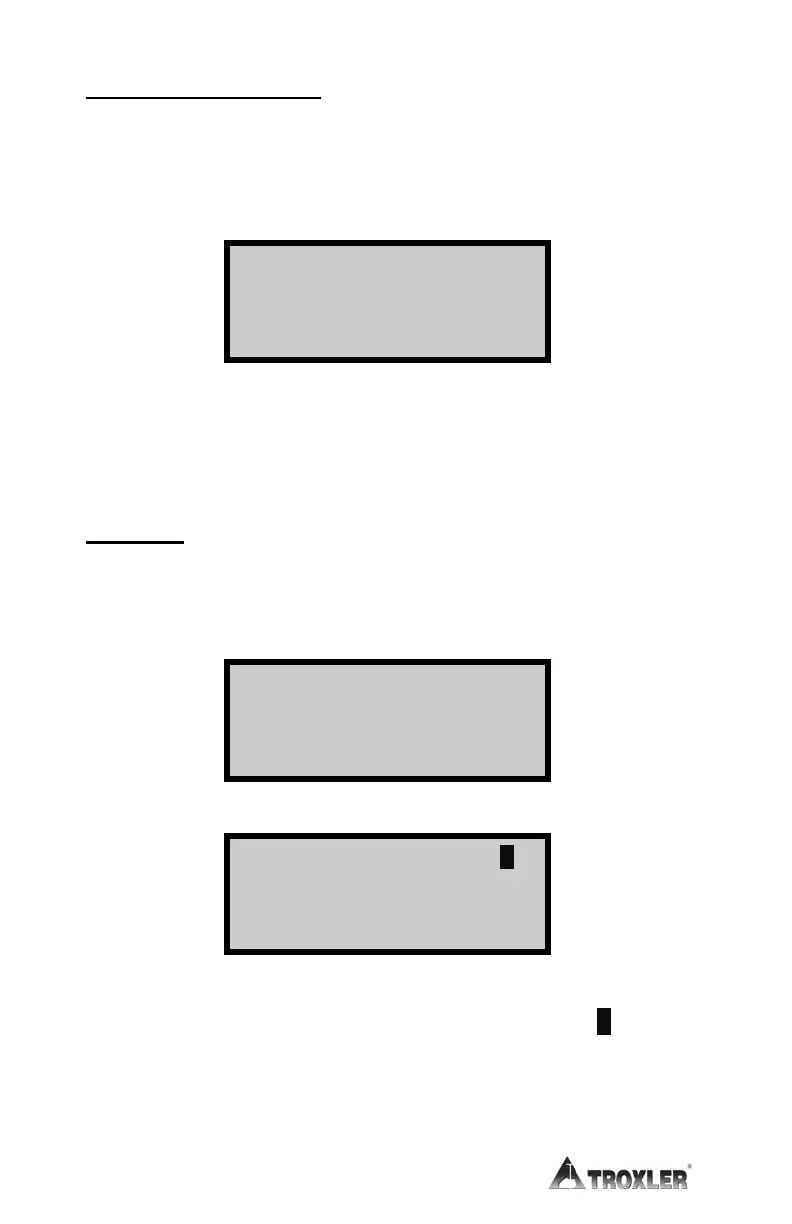
To change the user ID, press 〈YES〉. The gauge displays:
Input User ID A
<ALPHA> for Letters
Press <ENTER>
Press the 〈ALPHA LOCK〉 key to enable the alphabetic keys on the
gauge. When the alphabetic keys are enabled, the symbol A appears
in the upper right of the display, as shown above.
Enter the new user ID and press 〈ENTER/START〉. The gauge
stores the new user ID and returns to the Setup menu.












 To Next Page