Section C
34
Manual Mode (Continued)
Workout Instructions
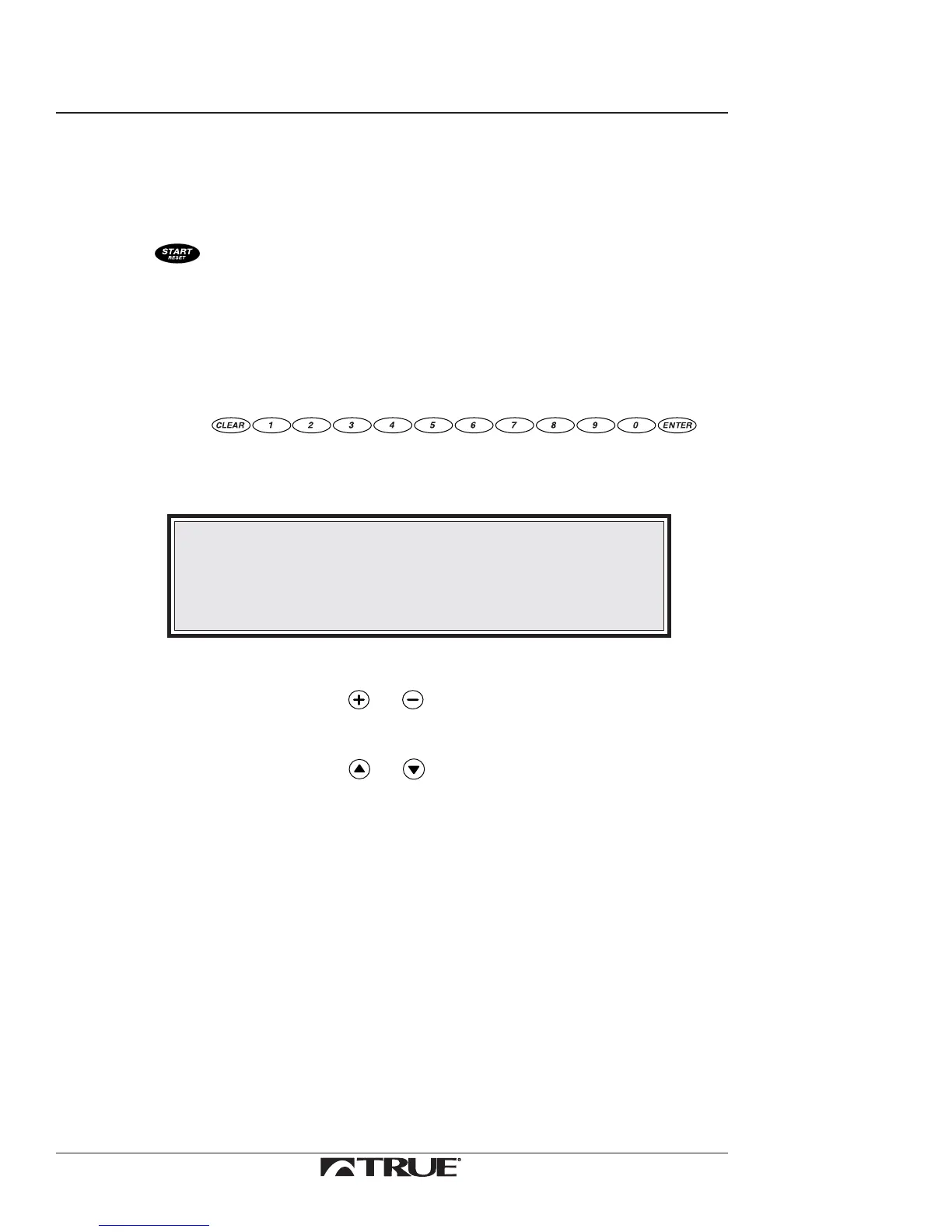
1. Press to start the belt in motion.
The Upper Control Panel gives an audible signal three times.
2. Hold the handlebar, carefully step onto the tread belt, and
begin walking.
3. Adjust the speed or grade:
a. Use
to input the numeric value.
The following message will display in the Message Center:
DATA= (XXX)
NOTE:
When you enter the grade (2=0.2, 20=2.0) the treadmill will
round the numbers down to nearest 0.5 increment.
Ex: If you input 3.9, the treadmill will change incline to 3.5.
b. Choose speed or grade.
•
Press either or to choose speed.
or
•
Press either or to choose grade.
The SPEED or GRADE Window displays the new value and the
treadmill will change speed or grade to that value.



 To Next Page