Section C
42
Programmed Workout Mode
Helpful Operations:
•
To reset time, distance, or calories during the workout, press
and hold until 0’s appear in the DISTANCE and
CALORIES/METS Windows and time restarts.
•
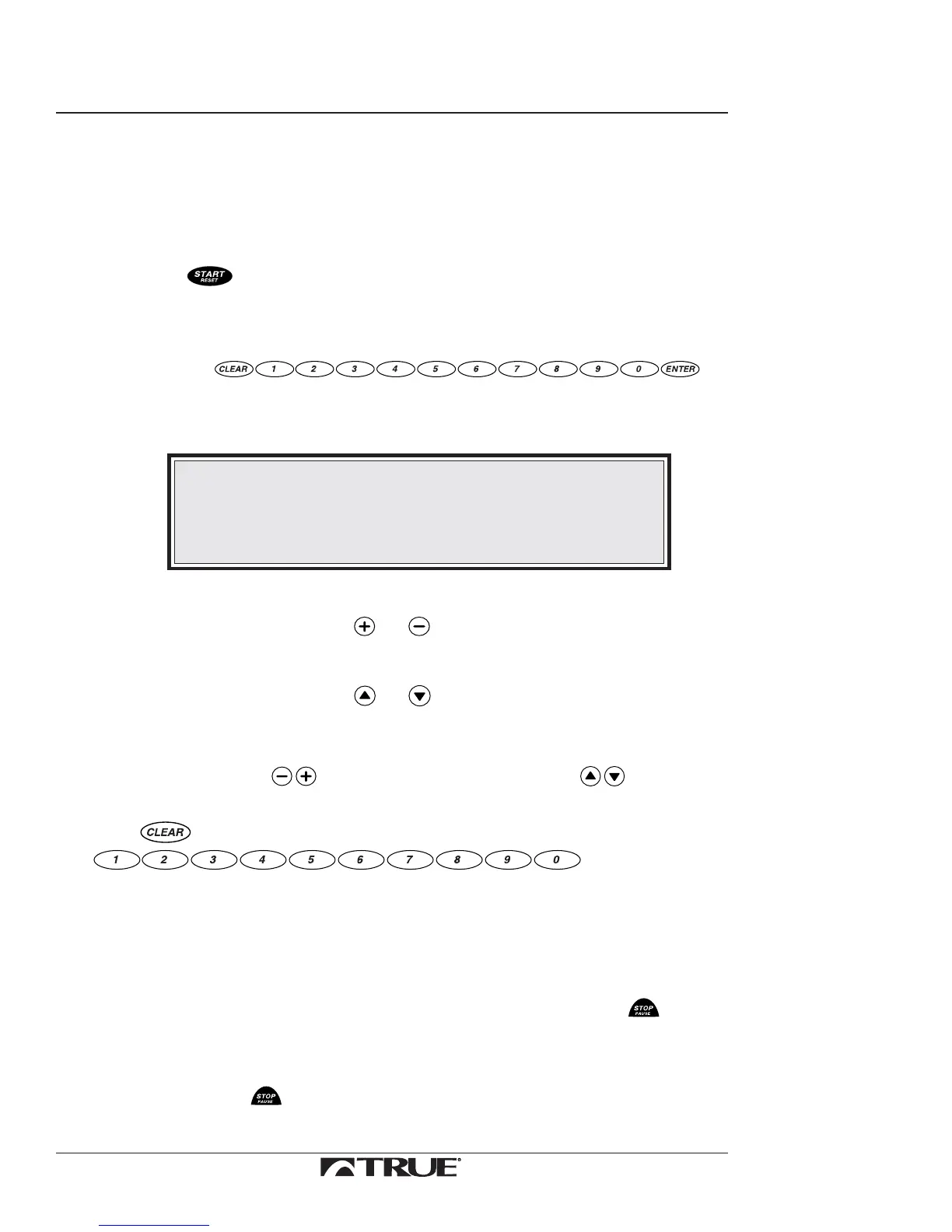
To adjust the speed or grade:
a. Use
to input the numeric value.
The following message will display in the Message Center:
DATA= (XXX)
NOTE:
When you enter the grade (2=0.2, 20=2.0) the treadmill will
round the numbers down to nearest 0.5 increment.
Ex: If you input 3.9, the treadmill will change incline to 3.5.
b. Choose speed or grade.
•
Press either or to choose speed.
or
•
Press either or to choose grade.
The SPEED or GRADE Window displays the new value and the
treadmill will change speed or grade to that value.
•
You can also use to change the speed and to
change the grade.
•
Use to remove values mistakenly input with the
Ending Workout Instructions:
At the end of the elapsed time the tread belt stops. The display then blinks, beeps three
times, and the Message Center will display your accumulated data for the workout. After
an additional 30 seconds the treadmill resets back to the weight prompt.
7. To end workout before your time has elapsed, press
.
Helpful Operations
•
Press and hold to reset the Upper Control Panel to the
weight prompt when the machine is not in use.



 To Next Page