25
TO SET - PO2 ALARM
Factory set for 1.60 (ATA), the PO2 Alarm can be set to values
between 1.20 and 1.60 (ATA) in increments of .10 (ATA).
• After having set and accepted the Time, the Set PO2 Alarm
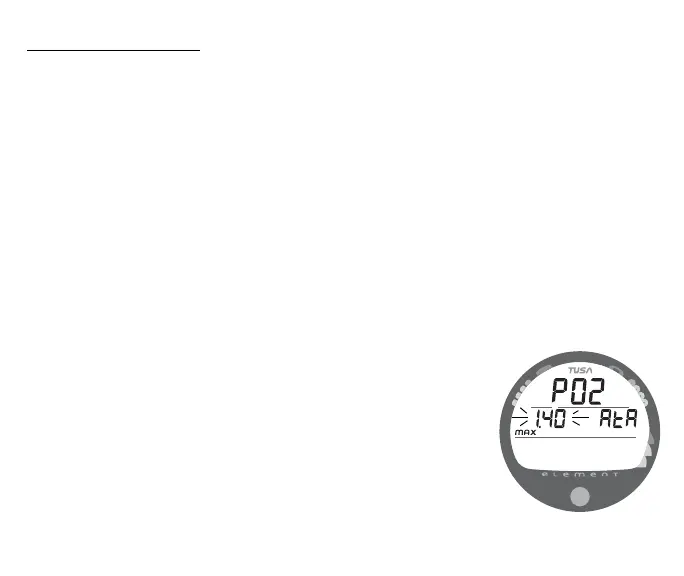
screen appears with the Set Point flashing (Fig. 22).
- - or - -
• While the Surface Sequence is scrolling, press the button for
14 seconds to bypass Set FO2, Wet Activation, Units, Hour
Format, and Time, then release the button.
• Press/release the button repeatedly (less than 2 seconds
each time) to advance the PO2 Alarm setting in increments
of .10 (ATA) per press of the button.
• Depress the button for 2 seconds to accept the PO2 Alarm
Set Point and advance to Set FO2 Default.
Fig. 22 - SET PO2 ALARM



 To Next Page