48
The Time to Fly counter is provided to assist you with deciding when enough surface time
has elapsed to fly (or travel to higher elevations).
• After a Surface Interval of 12 hours, you may choose to fly (or travel to higher eleva-
tions), provided that your dive profile(s) did not enter decompression.
• If your diving involved decompression or a repetitive multi day profile, it is strongly
recommended that you wait a full 24 hours after your last dive to add a greater degree
of protection.
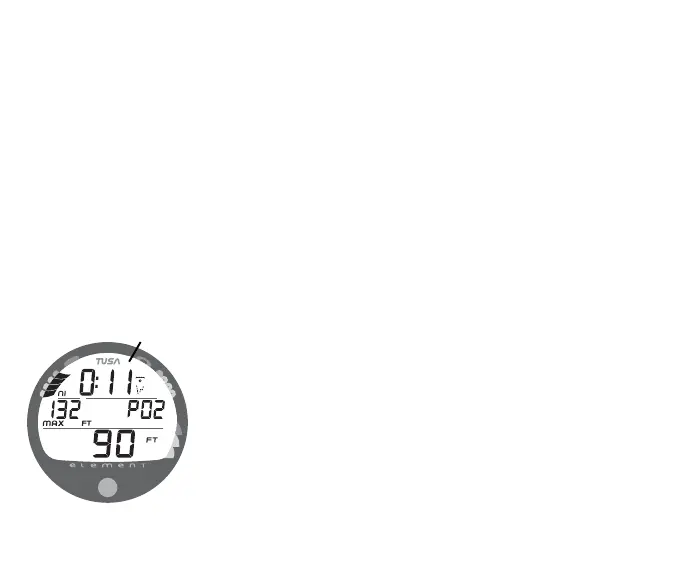
Pre Dive Planner
After a dive, the Planner displays adjusted No Decompression Limits (Fig. 54) based on
residual nitrogen calculated to be remaining from that and previous dives in the same
series.
Log Mode
The Element will store up to 12 dives in its Log for viewing.
Once the Log is full (12 dives), each subsequent dive will then
overwrite the oldest dive stored in the Log. It is therefore sug-
gested that you transfer the Log's data to your log book at the
end of each day of diving.
Log data will not be lost when the battery is removed/replaced,
however, factory service and calibration will delete the data.
The first dive conducted each time the unit is Activated will be
#1, therefore there may be multiple #1 dives in the Log.
Fig. 54 - PLANNER
(adjusted NDLs)
0:19 if no
previous dive



 To Next Page