47
If you descend during the 10 minute Transition Period, time
underwater will be considered a continuation of that dive. The
time at the surface (if less than 10 minutes) will not be added as
Elapsed Dive Time.
AFTER THE TRANSITION PERIOD (THE FIRST 2 HOURS)
Once 10 minutes have elapsed, the Surface Interval time display
colon stops flashing indicating that the Dive and Transition
Period are completed, and a subsequent descent will be consid-
ered a new dive.
For the remainder of the first 2 hours after surfacing, information
will continue to be displayed as the Surface Sequence, scrolling
through the Surface Mode >> Fly >> Sat >> Plan screens. You
will also have full access to Log and Set modes.
Time to Fly/Desaturate
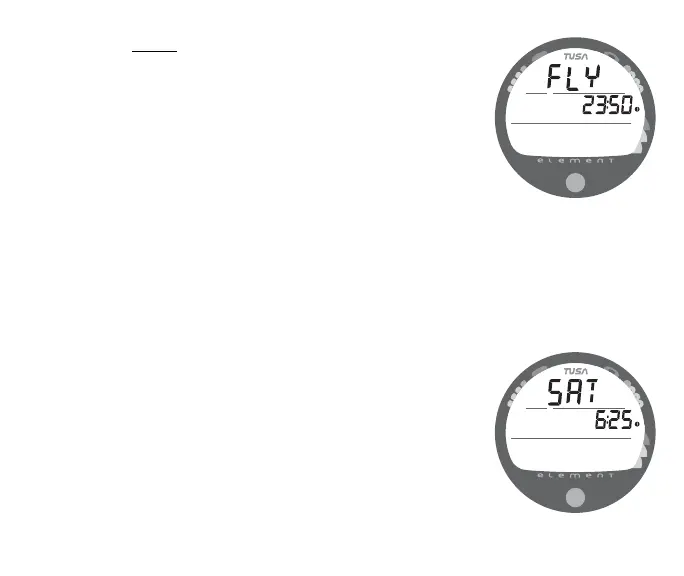
The Time to Fly and Desat Timers begin counting down 10
minutes after surfacing from a dive (after the Transition Period).
The FLY countdown (Fig. 52) always begins at 23:50 (hr:min)
and the Desat countdown (Fig. 53) at 23:50 (maximum).
If a Violation occurred during the dive a single dash ( - ) will
appear instead of the letters FLY. DeSat time will not be dis-
played.
Fig. 52 - TIME TO FLY
Fig. 53 - DESAT TIME



 To Next Page