34
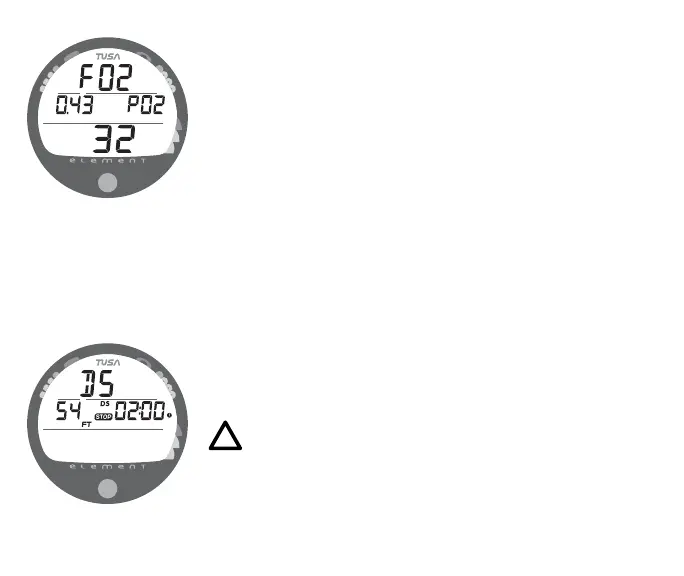
No Deco Alternate 2 Display (Fig. 30)
The ALT 2 display will not appear when FO2 is set for AIR.
Information includes the graphic FO2, current value of PO2 with
graphic PO2, and the FO2 value set (21 to 50).
No Deco Dive DEEP STOP
On any No Deco dive in which Depth exceeds 80 FT (24 M), a
Deep Stop Preview screen (Fig. 31) can be accessed that will
display the graphic DS (meaning Deep Stop) and a recom-
mended Stop Depth of 1/2 the Max Depth and Stop Time of
02:00 (2 minutes) with DS and STOP bar icons. It will revert to
the Main after 5 seconds.
• To access the Preview screen, depress the button for 2
seconds while viewing the No Deco Main screen.
• The intent of this screen is to suggest that a stop should be
made to help reduce tissue loading prior to final ascent.
• The Preview screen will not be available for display once
you ascend above the calculated Stop Depth.
NOTE: The Deep Stop is not required and although
recommended, it does not have to be taken. There
will be no penalty if the Stop is ignored and ascent
(or other activity) is continued.
Fig. 30 - NO DECO ALT 2
Fig. 31 - NO DECO DEEP
STOP PREVIEW



 To Next Page