51
To access other modes or enter settings -
• Press/release the button to reactivate the Surface Sequence.
• The unit will again revert to the Time to Fly and Desaturation
countdowns after 2 hours, if the button is not pressed.
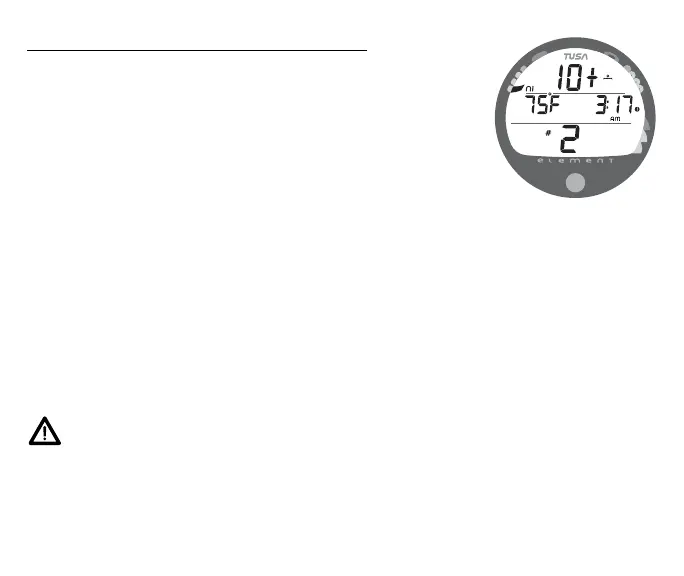
• Surface Interval Times greater than 9:59 (hr:min) will be
displayed only as Hours 10+, 11+, 12+, etc. (Fig. 59)
Wet Contacts
• If the unit is not cleaned and dried prior to the Fly count-
down reaching 0:00 (hr:min), or making another dive, it will
shut off then automatically reactivate.
• If no dive is made after activation, the unit would shut off
after 2 hours, then automatically reactivate again if wet,
repeating the action until cleaned and dried.
RESET (CLEAR) FEATURE
The Element is configured with a RESET feature that allows data to be
cleared, including Nitrogen and Oxygen calculations and Log Mode
entries.
WARNING: Reset after a dive and subsequent use
for a repetitive dive conducted by the same diver
could result in serious injury or death.
Fig. 59 - SURFACE MODE
(greater than 9:59)



 To Next Page