27
TO SET - NO DECO DEEP STOP (DS)
Factory set OFF, the No Deco Deep Stop feature can be set to
ON. The effects of this feature being ON or OFF are described
on page 34.
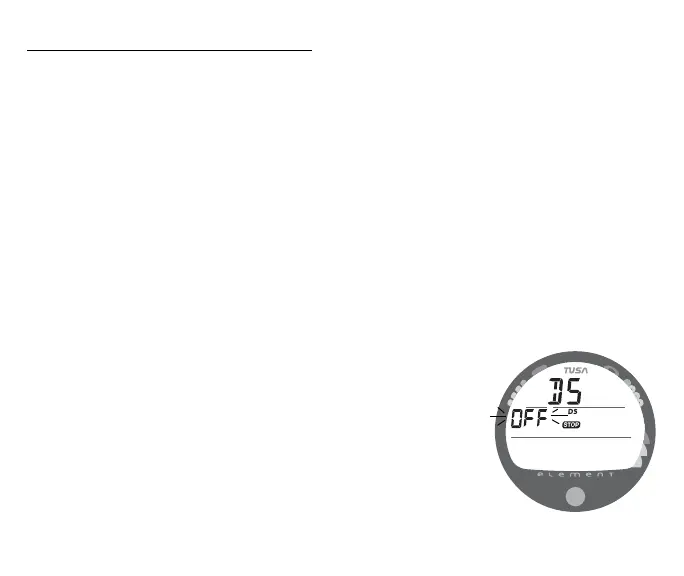
• After having set and accepted the FO2 50% Default Set
Point, the Set DS screen appears with the Set Point flashing
(Fig. 24).
- - or - -
• While the Surface Sequence is scrolling, depress the button
for 18 seconds, then release it when the Set DS screen
appears with the Set Point flashing.
• Press/release the button (less than 2 seconds) to toggle
between ON and OFF.
• Depress the button for 2 seconds to accept the Set Point and
revert to the Surface Sequence.
Fig. 24 - SET DEEP STOP



 To Next Page