Page 57 of 83 Pages
6.8.2 Export all settings to USB device
This subdirectory enables the operator to export all settings to
USB device.
1. Insert the USB device into the USB Socket
2. Move the cursor to Export all settings to USB device
3. Press the START/STOP key.
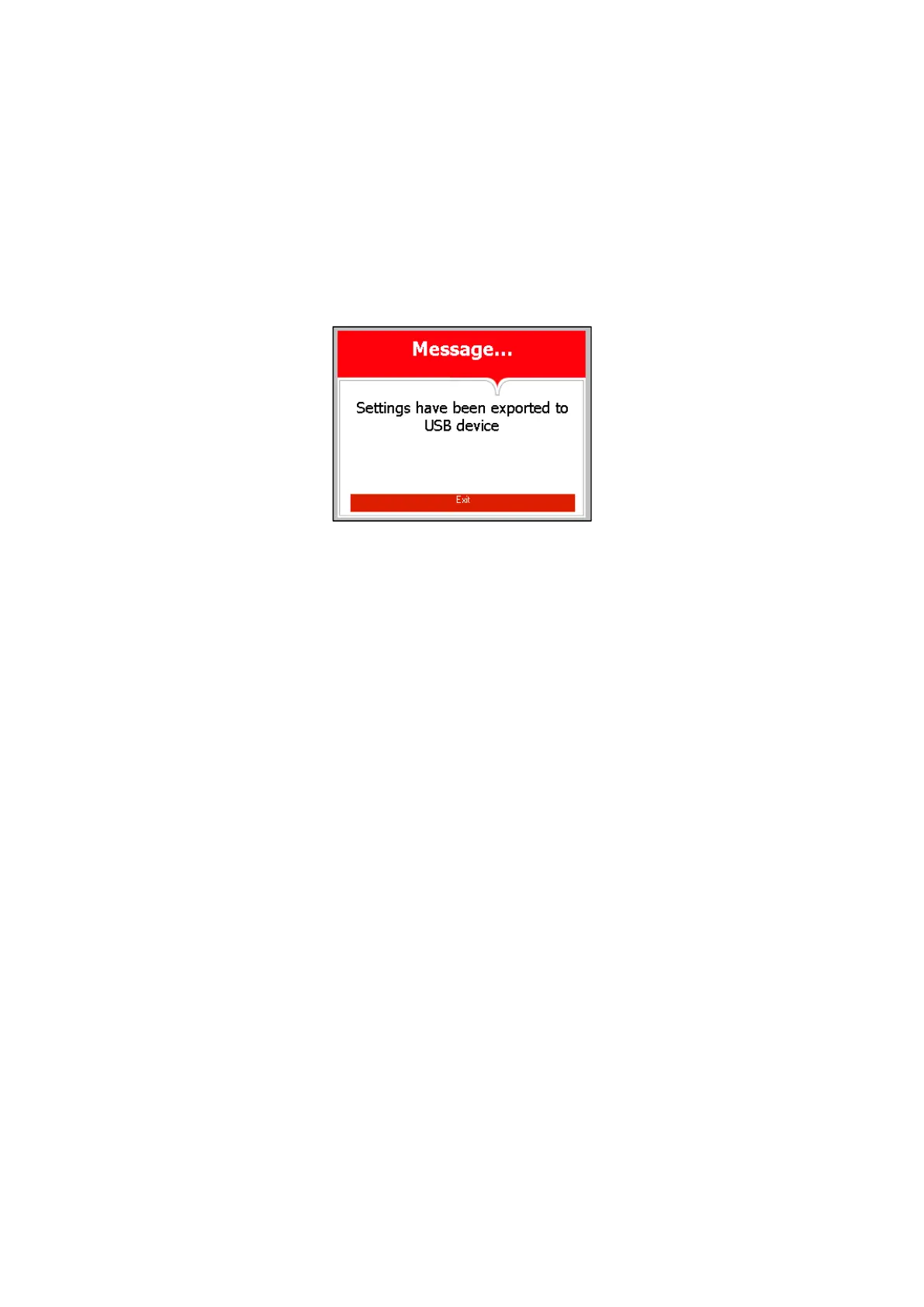
4. The following screen will be displayed:
5. Remove the USB device from the USB Socket
6. In order to exit this screen and return to ADVENCED
OPTIONS directory press START/STOP key.
In order to exit from the ADVANCED OPTIONS directory
follows one of the next:
Move the cursor to EXIT with the UP or DOWN keys and
select it by pressing the
START/STOP key.
Press the UP and DOWN keys simultaneously








 To Next Page