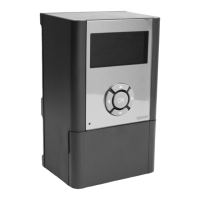
Use 15 m installation cable
If Uponor Interface I-75/76 is more than 2 m from Uponor
Controller C-55/56, use the 15 m four-wire connector cable or
similar, as shown in the fi gure below.
To wire Interface I-75/76 to the Controller C-55/56 using the
15 m connector cable:
1 Insert a thin screwdriver to open the relevant push-wire
connection.
2 Push in the wire.
3 Remove the screwdriver.
4 When all wires are connected, fasten the cable in the cable
clamp.
Note that the wiring is polarized, so wire 1 on the
controller must be connected to 1 on the interface, and
so on.
1
3
2
4
6
5
7
8
5.2 Optional: connect multiple controllers
Note that multiple Uponor Controller C-55/56 units
require software programming.
Up to three controllers can be connected to the same Uponor
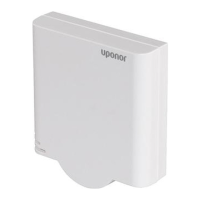
Interface I-75/76. All controllers require an antenna, as shown
in the illustration below.
In the illustration:
• Controller 1 is the controller connected to the interface
• Connect terminals 5 and 6 of controller 2 to terminals 5 and
6 of controller 1.
• Connect terminals 7 and 8 of controller 3 to terminals 7 and
8 of controller 1 or controller 2.
To connect up to three controllers to the interface:
1 Check that the wiring is complete.
2 Check that the 230 V compartments are closed.
3 Connect controllers 2 and 3 to AC power.
4 Check that the 230 V compartments are closed.
5 Connect controller 1 to AC power.
Note the polarity of connections between the
controllers.


 To Next Page